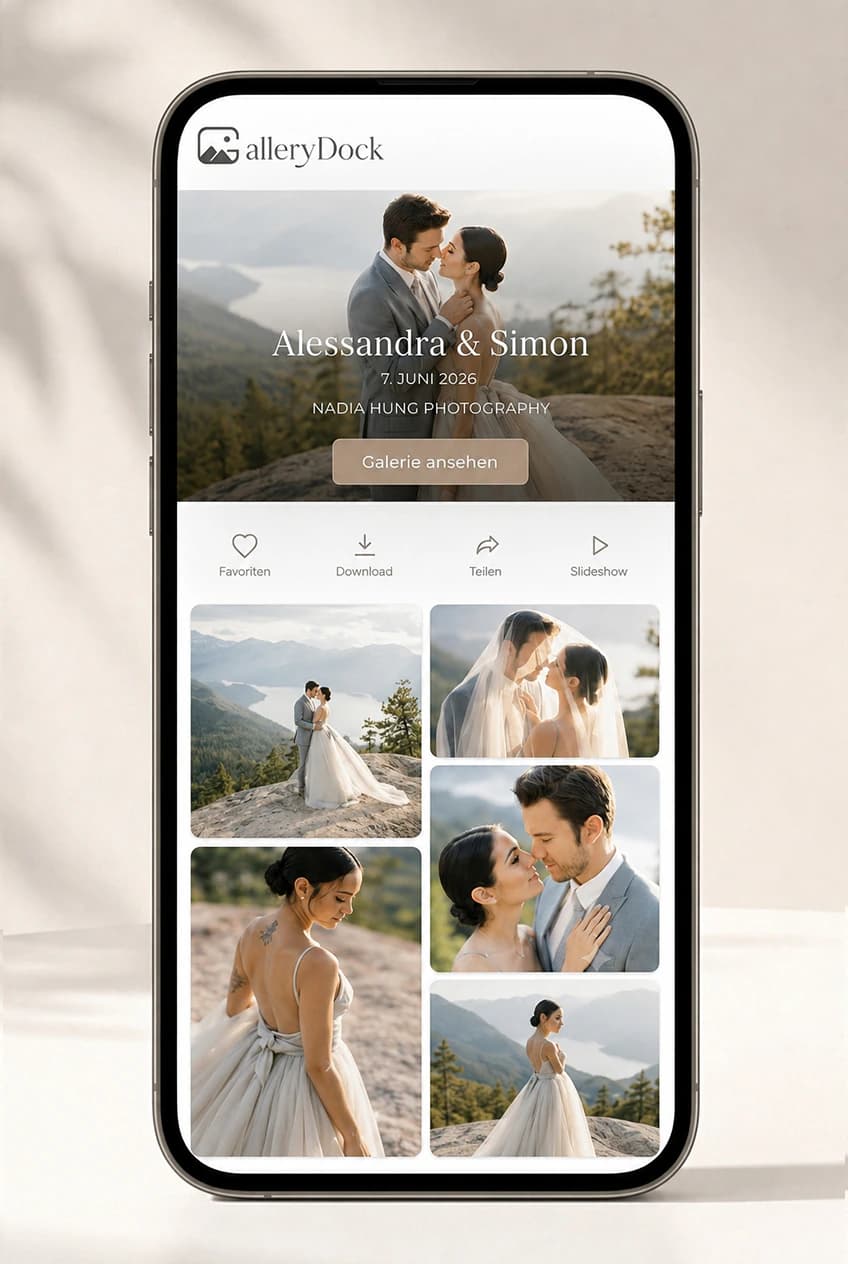
Client Gallery for Photographers: Proof, Deliver, and Sell Photos
Use one private client gallery to collect favorites and feedback, release finished downloads, and offer digital extras without turning delivery into a chain of disconnected links.
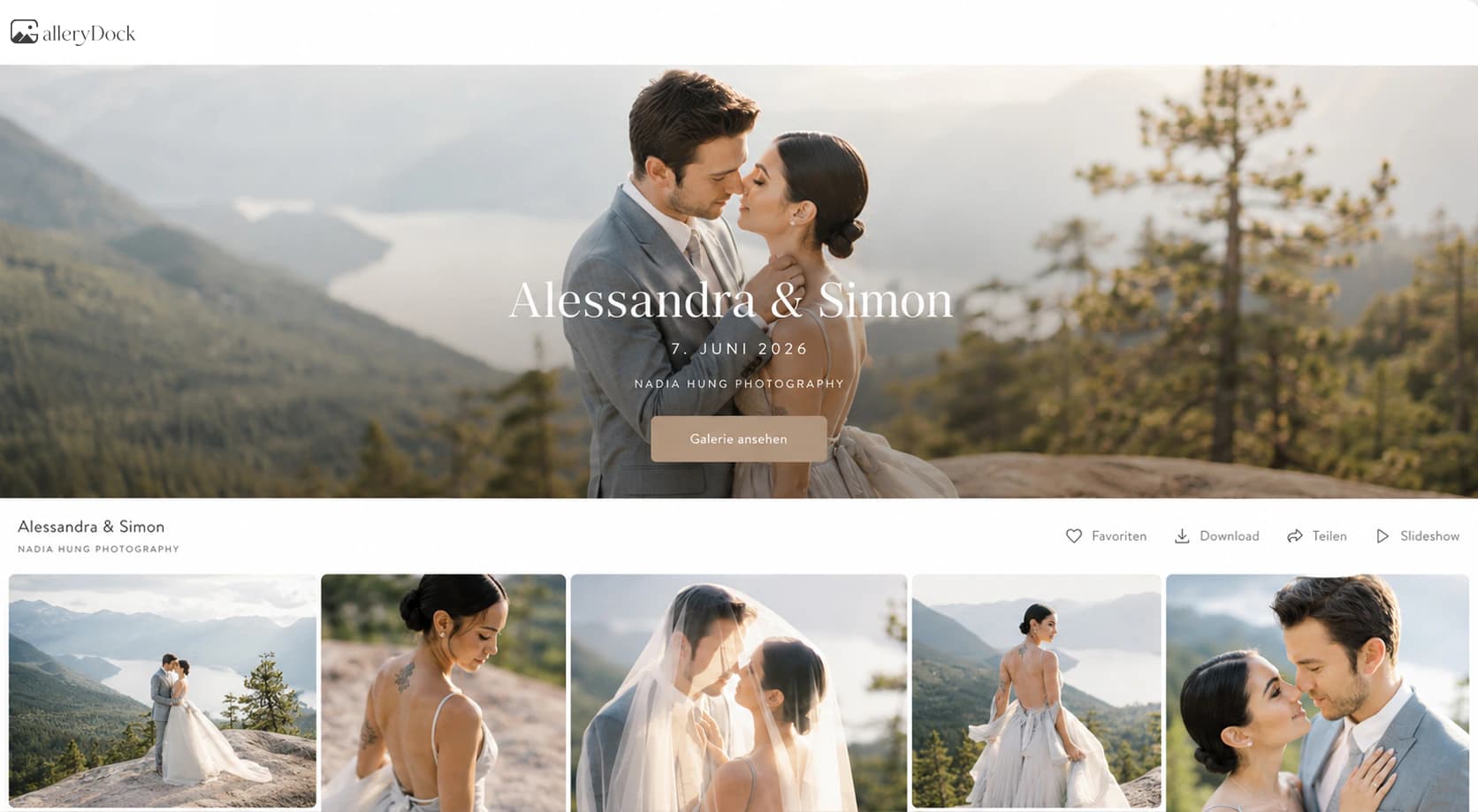
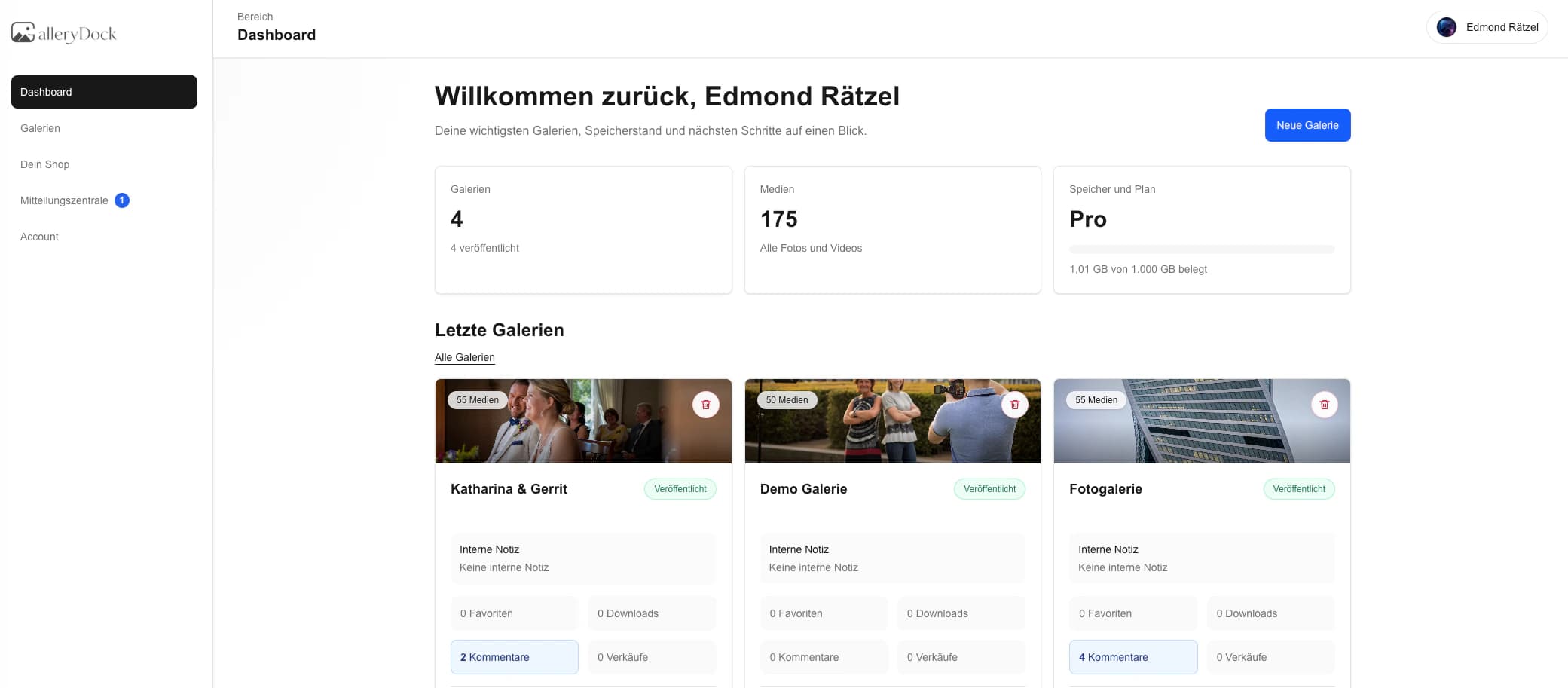
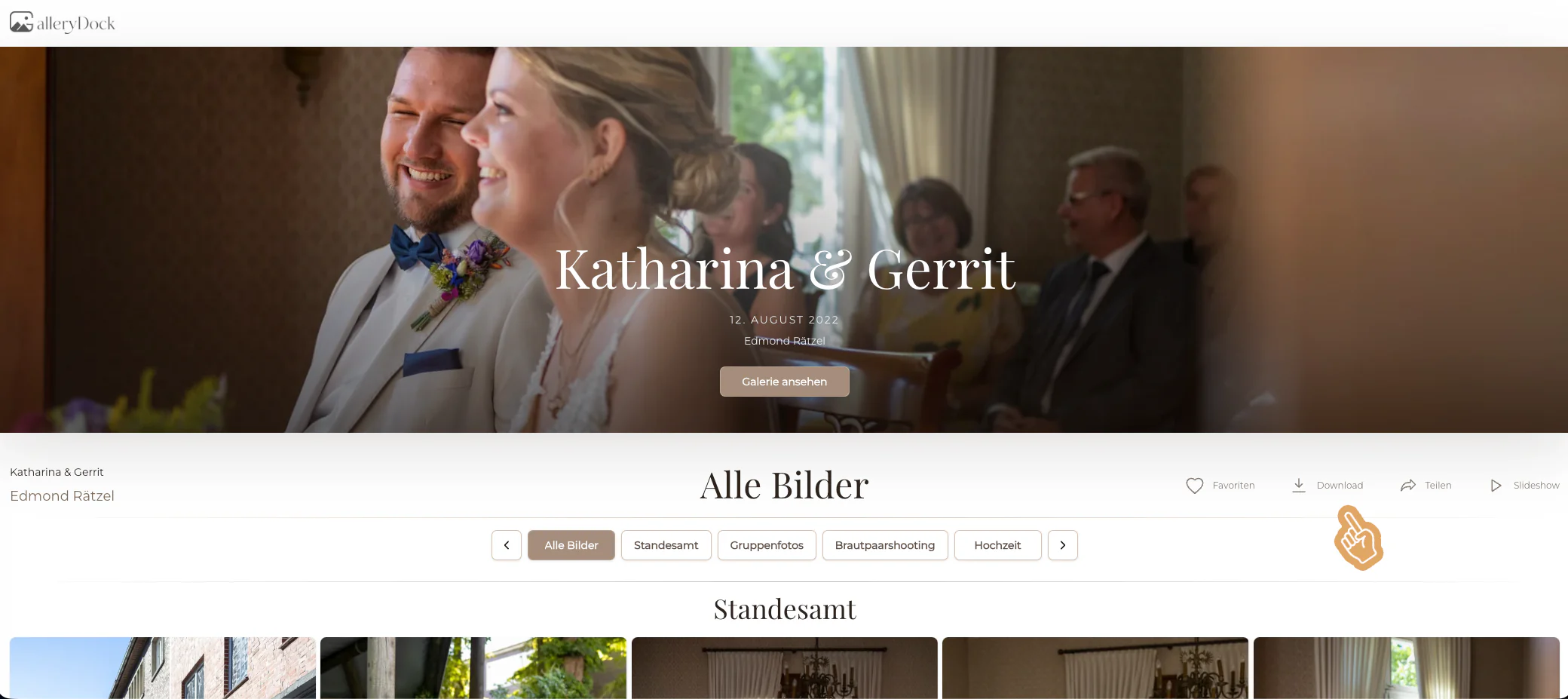
A client gallery for photographers should carry a commissioned job from the first curated proof to the final handoff without confusing the client about what happens next. GalleryDock gives photographers one private destination for presenting images, collecting favorites and image-specific comments, controlling download access, and offering additional digital photographs when that option belongs to the package. This guide focuses on the complete post-shoot lifecycle. It is not a ranking of gallery brands, a generic cloud-storage comparison, or a narrow setup checklist. The goal is a predictable client experience in which proofing, decisions, delivery, and optional follow-up sales remain clearly separated.
Proofing
Start with a curated gallery and one clear decision
The gallery should tell clients what they are reviewing, who needs to decide, and what will happen after the selection is complete.
01
Curate before sharing
Remove technical misses, near-duplicates, internal tests, and unfinished exports before the client sees the job. A deliberate selection protects the photographer's standard and prevents clients from spending time on photographs that were never candidates for delivery.
02
Name the current stage
State whether the gallery contains proofs, a shortlist, retouching candidates, or final images. The same interface can support several stages, but the client should never have to infer what a favorite or comment means at that moment.
03
Choose one decision owner
For couples, teams, or companies, agree who consolidates the final answer. Several people can review, but the photographer still needs one authoritative selection before retouching, exports, and delivery move forward.
04
Give a useful deadline
Connect the selection date to the actual production schedule and explain what happens after it passes. A realistic deadline makes the workflow predictable without manufacturing urgency or promising turnaround that the photographer cannot meet.
Feedback
Keep every client response attached to the right photograph
Structured favorites and comments replace scattered screenshots, filename lists, email threads, and messages that lose their visual context.
01
Use favorites for inclusion
Treat a favorite as a defined workflow signal, such as include in the final set or consider for the album. Explain that definition before review so clients do not use the heart for several conflicting purposes.
02
Use comments for specifics
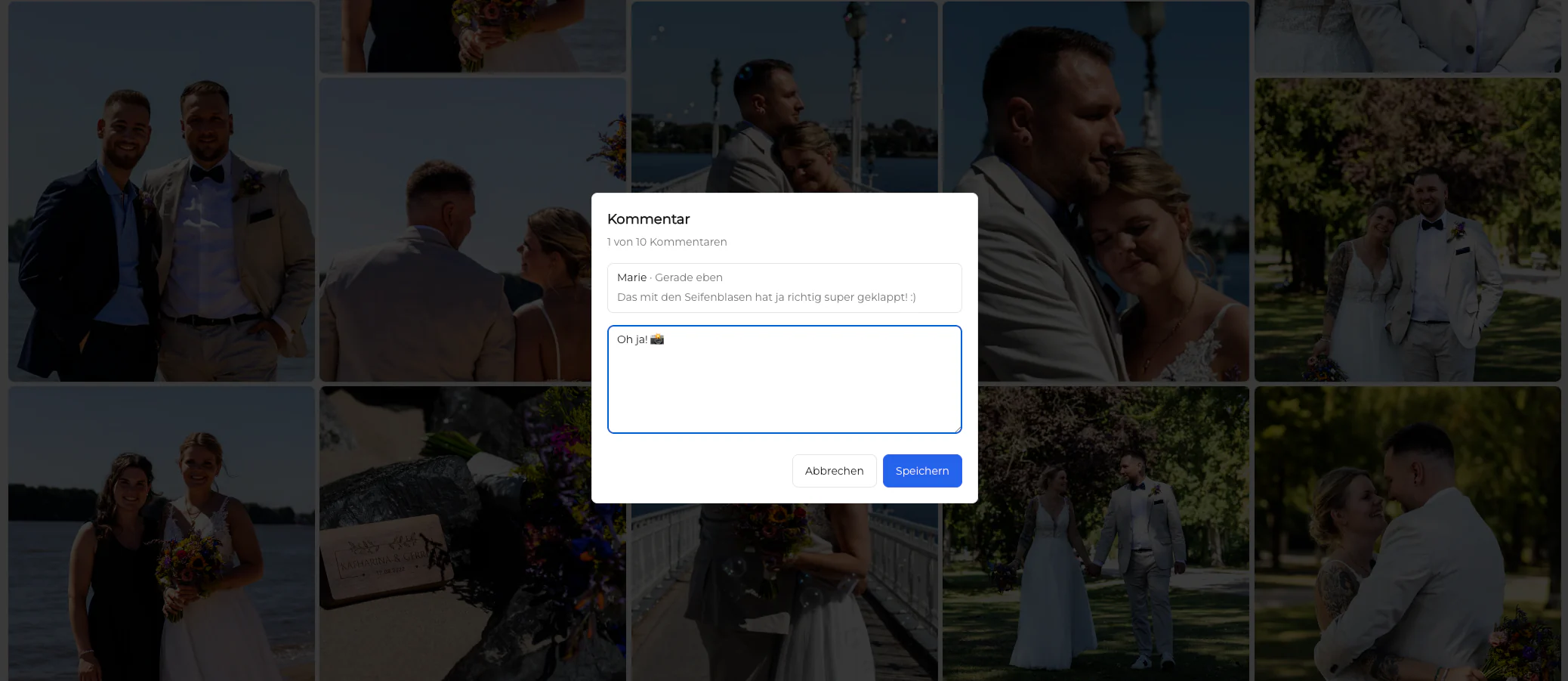
Ask clients to place crop, expression, retouching, or version notes beside the exact image. The photographer can then respond to a concrete request instead of matching a message to a similarly named file later.
03
Separate taste from correction
A preference between two poses is different from a requested retouching change. Labeling those decisions protects the agreed edit scope and helps the client understand which requests may require a separate estimate.
04
Confirm the locked selection
Before production begins, summarize the chosen photographs and ask the decision owner to confirm. That checkpoint prevents silent list changes from becoming emergency revisions after retouching or export work has started.
Delivery and follow-up
Release final files without losing the service context
Delivery is complete only when clients know what they can download, how long access lasts, and where any optional extras fit.
01
Release only approved files
Keep proof access separate from final download access. Once the approved set is ready, verify the exact gallery contents and download options before telling the client that delivery is complete.
02
Explain file purpose
Tell clients whether they receive original-resolution files, web-ready versions, or both. Clear labels reduce accidental social uploads of oversized files and prevent web files from being mistaken for archival masters.
03
Offer extras honestly
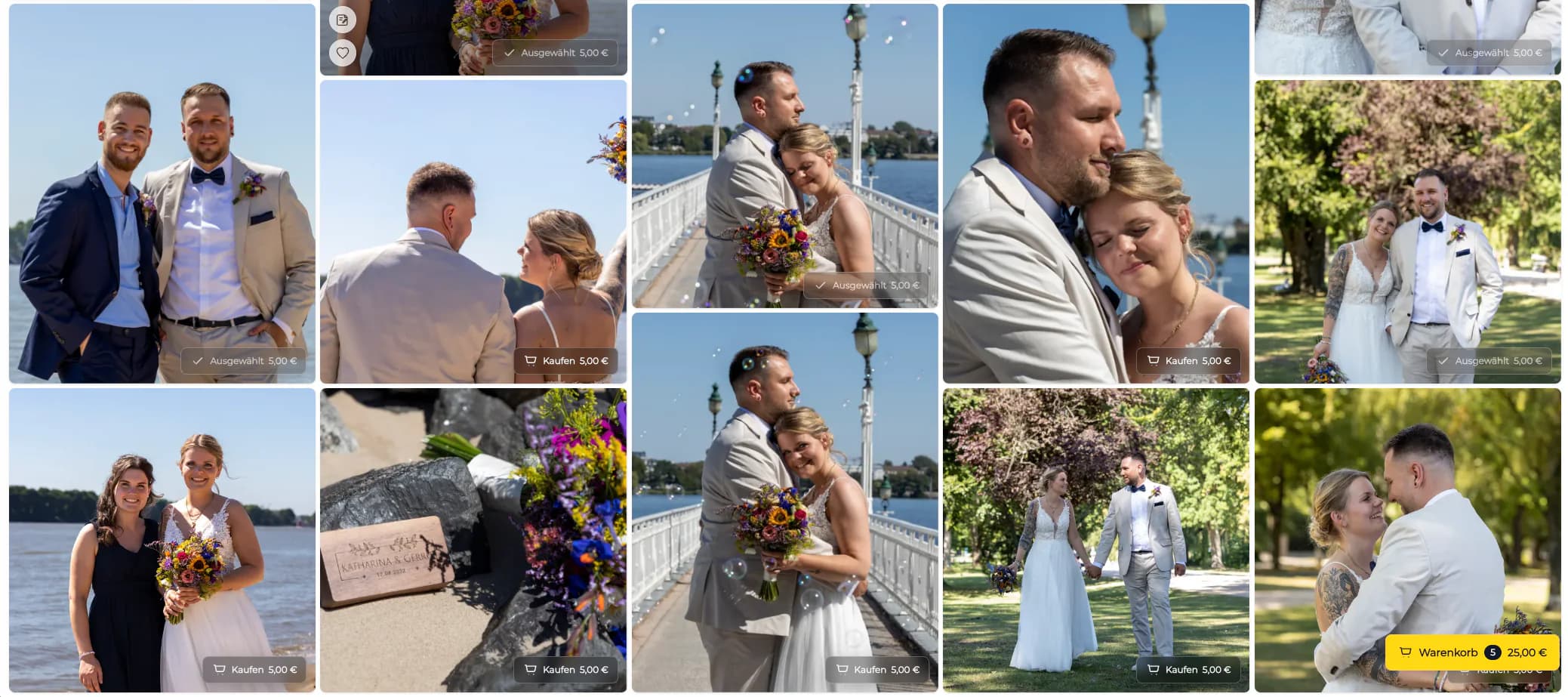
Additional digital photographs can be a useful continuation of the job when the package and GalleryDock setup support them. Do not imply that every gallery contains a shop or that unpurchased proofs automatically become available.
04
Keep an independent archive
A client gallery is the delivery surface, not the photographer's only backup. Retain source files, edits, and contractual records according to a separate storage and retention policy that does not depend on the client link.
Organize commissioned galleriesSeparate each assignment so access, decisions, and delivery settings do not spill into another client's work.Collect precise selectionsFavorites turn a visual decision into an exact image list without screenshots or copied filenames.Keep feedback in contextComments stay attached to the relevant photograph, reducing ambiguity during retouching and approval.Control final downloadsRelease final files only when the gallery has reached the agreed delivery stage.Keep the experience mobile friendlyA responsive client view keeps review and delivery understandable when clients open the link on a phone.Offer relevant digital extrasOffer additional digital images only when the photographer's package and gallery configuration support that option.
Comparison
Ways to manage the post-shoot client workflow
The right delivery method depends on whether the job still needs decisions or only a final transfer.
Approach
Best for
Tradeoff
Email attachments
A few final files
No structured proofing or version context
Cloud folder
Basic storage and access
Weak favorites, comments, and client guidance
Transfer link
One finished package
Expires and does not manage decisions
Website portfolio
Public marketing work
Not a private commissioned-job workspace
GalleryDock
Proofing, feedback, delivery, and digital extras
Not a RAW archive, CRM, or print lab
Wedding selection and delivery
A couple marks album or retouching favorites, resolves comments, and later receives the finished photographs through the same private destination.
Portrait package decisions
A portrait client chooses the included images, understands which extras are optional, and downloads only the final exported set.
Business team approval
A company contact consolidates stakeholder choices and image notes before approved headshots or campaign files are released.
Frequently asked questions
Questions about this workflow
What is a client gallery for photographers?
It is a private online destination where a photographer presents a commissioned job, collects selections or image-specific feedback, and delivers approved files. Depending on the configured package, it can also present optional digital extras.
Is a client gallery the same as cloud storage?
No. Cloud storage primarily holds files. A client gallery adds presentation, favorites, comments, controlled downloads, and a photographer-branded client path around those files.
Can clients select favorite photographs?
Yes. Favorites can represent an agreed selection step when the photographer clearly explains what the action means and who confirms the final list.
Can clients comment on individual images?
Yes. Image-specific comments are useful for precise crop, retouching, approval, or version notes because the request remains connected to the photograph.
Can every client buy extra photographs?
Only when the photographer's package, pricing, and GalleryDock configuration offer that option. The guide does not promise a shop or extra-image sale in every gallery.
Does GalleryDock replace a photographer CRM or backup?
No. GalleryDock supports the post-shoot gallery workflow. Contracts, scheduling, invoicing, lead management, source-file backup, and long-term archives remain separate responsibilities.
Ideal for photographers who regularly deliver client galleries.
Unlimited galleries
200 GB storage
Photos & videos
Image upload: 100 MB
Video upload: 15 GB
Your own shop for digital sales
Sell print products in your shop
Only 10% shop fee per sale
Your own profile in client galleries
Password-protect client galleries
Use your own logo as a watermark
Let clients select images and mark favorites
Control photo and video downloads
Embed galleries on your own website
Hide GalleryDock branding
Use your own logo in galleries
For regular client delivery
Pro
Monthly
29 EUR
EUR 348 billed yearly. plus VAT
For photographers managing many projects, videos and growing storage.
Unlimited galleries
1 TB storage
Photos & videos
Image upload: 100 MB
Video upload: 30 GB
Your own shop for digital sales
Sell print products in your shop
Only 5% shop fee per sale
Your own profile in client galleries
Password-protect client galleries
Use your own logo as a watermark
Let clients select images and mark favorites
Control photo and video downloads
Embed galleries on your own website
Hide GalleryDock branding
Use your own logo in galleries
For regular client delivery
Create a calmer post-shoot workflow
Start with one curated job, define the client decision, and use GalleryDock to keep proofing, feedback, final delivery, and eligible digital extras in a clear sequence.