Use filenames
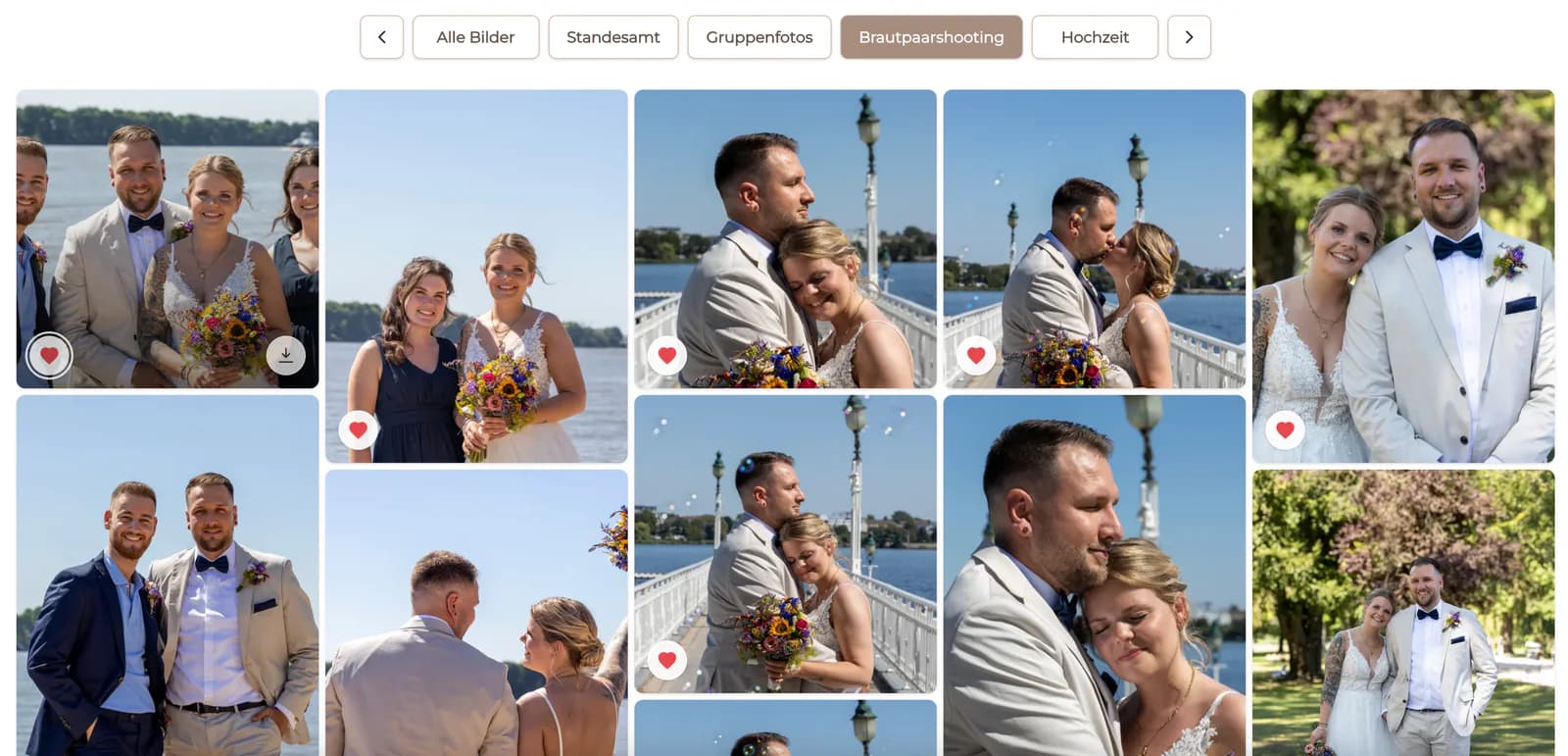
Ask for exact filenames or gallery references so similar frames cannot be confused.
Selection change control
Handle additions and removals after a client confirms photos, account for work already started, reopen favorites, and reconfirm the current selection.

Quick answer
When a client wants to change a photo selection after confirmation, record exactly which images are being added and removed before editing the gallery or production list. Check whether retouching, album design, export, or delivery has already started, explain any effect on timing or scope, reopen the favorites only when appropriate, and ask the client to confirm the complete current set again. GalleryDock stores the current favorite state but does not create an automatic version history, change log, or notification trail.
Clarify the request
Do not replace a confirmed set based on phrases such as “a few different photos.” Identify every addition and removal.
Ask for exact filenames or gallery references so similar frames cannot be confused.
List each newly requested image independently from the photographs that should leave the selection.
Record which previously confirmed files are being withdrawn and where they may already be in production.
Calculate the resulting count so both sides understand the complete revised scope.
Production impact
The same selection change has a different impact before work starts, during retouching, or after final delivery.
01
Check whether retouching, design, export, delivery, or external handoff has begun.
02
Mark affected files that have already consumed editing, review, or delivery time.
03
Communicate any schedule, included-scope, or separately agreed cost effect before changing the list.
04
Reopen favorites, document a fixed delta, or keep the original selection when production constraints require it.
Reconfirmation
A revised selection should end with one complete confirmed state, not several messages that must be interpreted later.
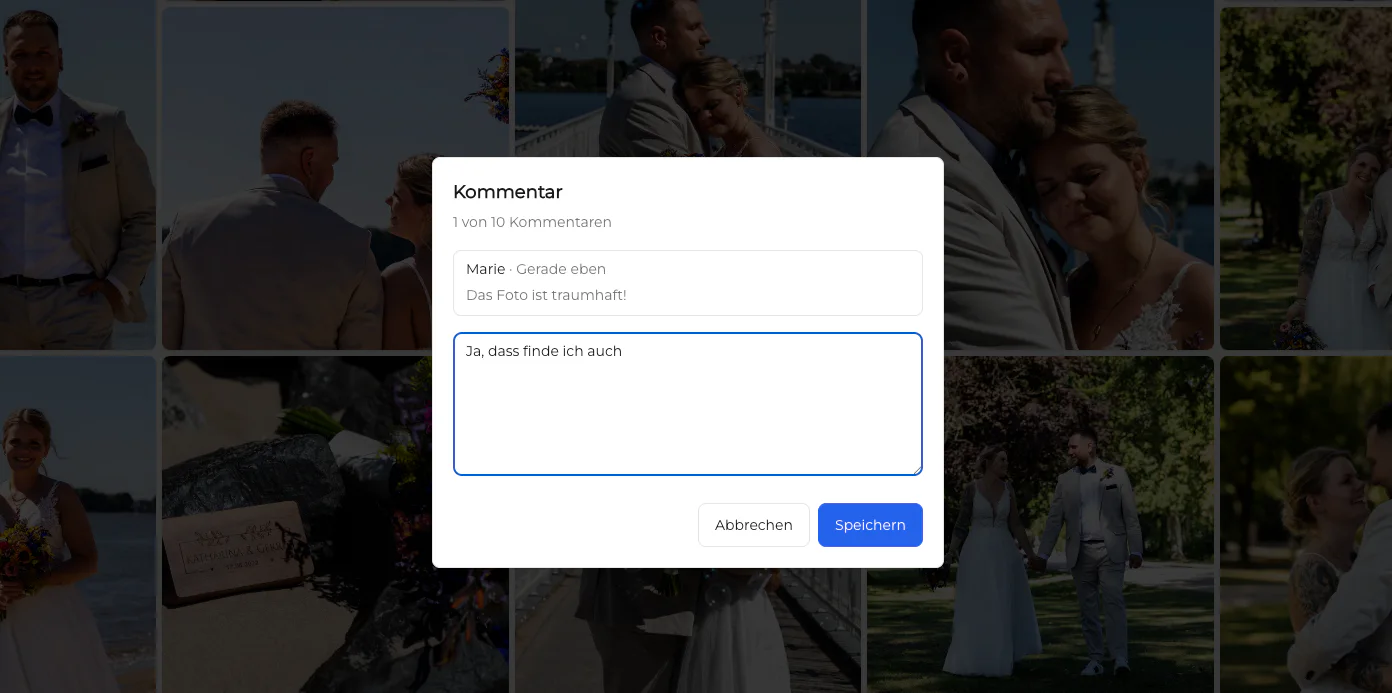
Allow the intended favorite changes and make sure the client is working in the correct gallery.
Ask the client to check every remaining favorite, not only the newly discussed files.
Restate the final number and request explicit confirmation of the complete revised selection.
Apply the same additions and removals to Lightroom Collections, task lists, or handoff documents manually.
Comparison
Choose a controlled path based on project stage and the size of the requested change.
| Approach | Best for | Tradeoff |
|---|---|---|
| Reopen favorites | A client who needs to review the complete set again | Requires a new full confirmation and count check |
| Documented delta | A small, exact add/remove request | Must be applied consistently across every production tool |
| Keep original selection | Work already completed under a fixed scope | May not satisfy a late preference change |
| Create a revised scope | A material change after production began | Can affect schedule or separately agreed pricing |
| Rely on message history | Nothing reliable | Creates ambiguity about the actual current set |
Reopen favorites, let the client revise the full set, and reconfirm the new count before work begins.
Document the delta and explain the impact of replacing images that have already been edited.
Treat additional requests as a new controlled scope rather than silently rewriting the completed delivery record.
Frequently asked questions
Yes, when the photographer allows the selection to be reopened or accepts a documented change. The effect depends on work already completed.
No automatic version history or change log should be assumed. Record the previous state and requested delta in your own project process.
No. Update Lightroom Collections, retouching lists, album plans, or external handoffs manually.
Yes. A complete reconfirmation is safer than confirming only the new images while leaving the rest ambiguous.
Identify completed work first and communicate any effect on timeline, included scope, or separately agreed charges before accepting the revision.
No. Selecting which images should be worked on is different from approving the quality or completion of retouching.
Related resources
Pricing
Free forever
0 EUR
EUR 0 per month
Perfect for sharing your first galleries professionally.
Start free, no credit card required
Monthly
19 EUR
EUR 228 billed yearly. plus VAT
Ideal for photographers who regularly deliver client galleries.
For regular client delivery
Monthly
29 EUR
EUR 348 billed yearly. plus VAT
For photographers managing many projects, videos and growing storage.
For regular client delivery
Use GalleryDock favorites for the client-facing choice and a documented reconfirmation step whenever that choice changes.
Create a free account