01
Identify the exact gallery
Confirm the gallery title, public link, intended recipients, and how the forwarding was discovered. Do not change several client galleries because a message refers vaguely to the gallery link.
Gallery access response
Respond to a shared client gallery link by confirming facts, reviewing access and downloads, changing the password when useful, informing clients, and retesting.
Quick answer
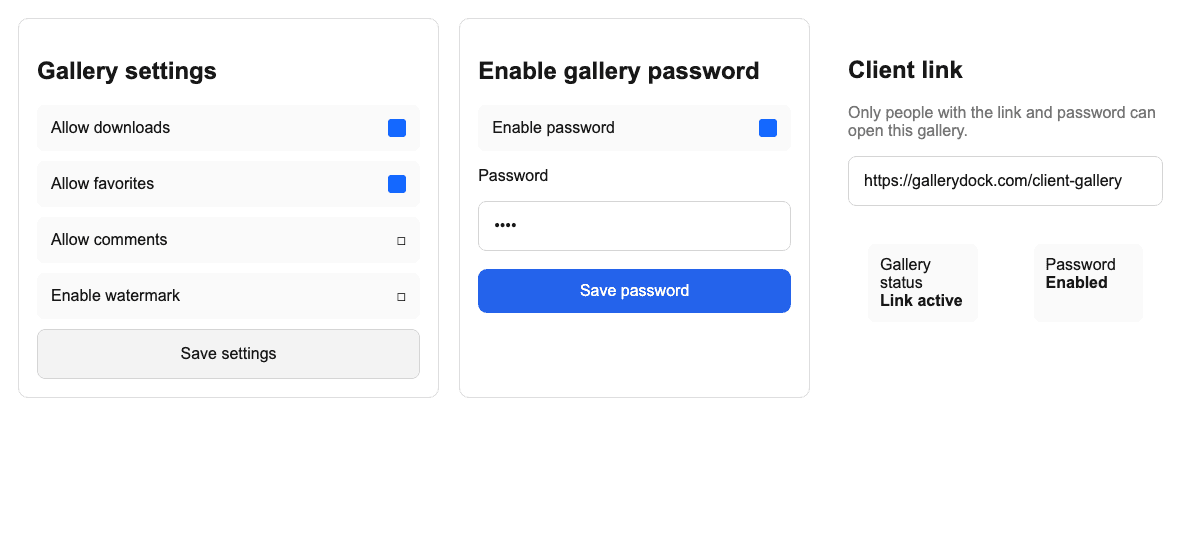
When a client gallery link is shared beyond the intended recipients, the safest response is a short factual process rather than panic or unsupported assumptions. First confirm which gallery and link are involved, whether a password is active, what downloads were allowed, and which files may already have left the gallery. Then decide whether changing the password is useful, communicate with the client, and test the updated access path. GalleryDock can change password-based access and gallery settings, but it does not show a verified personal recipient history, identify everyone who opened a forwarded link, or recall screenshots, copied URLs, messages, or files already downloaded outside the platform.
Assess
The response should match the real exposure: a link-only gallery, a link plus password, and a gallery with downloads each create different practical consequences.
01
Confirm the gallery title, public link, intended recipients, and how the forwarding was discovered. Do not change several client galleries because a message refers vaguely to the gallery link.
02
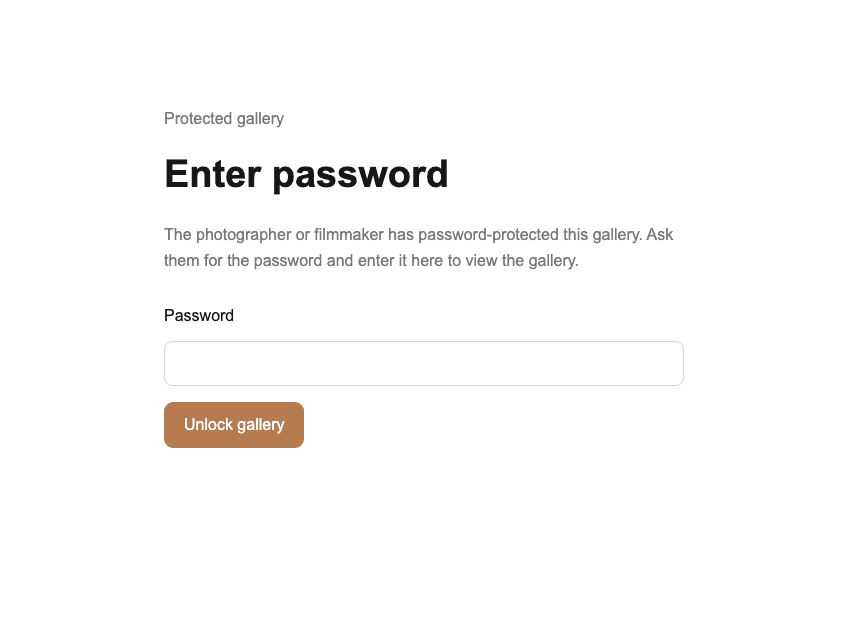
Determine whether the link opens directly or requires a password. If a password exists, establish whether the unintended recipient may also have received it rather than assuming the second factor remained private.
03
Check whether downloads, favorites, comments, selections, or shop functions were enabled. The important question is not only who could view the gallery, but what the current configuration allowed them to do.
04
Record what is confirmed and what cannot be verified. GalleryDock does not provide a reliable personal recipient history that identifies every individual who opened a forwarded link.
Contain
A setting change can improve the access path going forward, but it cannot erase information already copied outside the gallery.
01
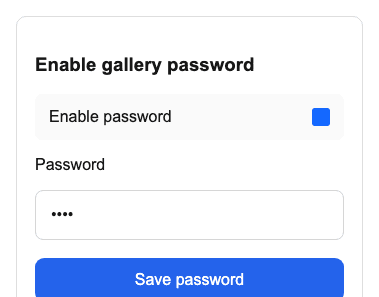
If password access is active and the password may have been forwarded, replace it with a new value and send it only to the intended recipients through an appropriate channel.
02
If clean files should not remain available, adjust download access for future visits while assessing what may already have been obtained. A setting change cannot recall files that someone previously downloaded.
03
Changing a password does not delete the URL from messages, browser history, screenshots, or bookmarks. It changes the access requirement; it does not make every external copy of the link disappear.
04
For a serious privacy, contractual, or legal incident, record relevant facts before making multiple changes. Follow the organization's incident process and obtain qualified advice when the risk exceeds routine client support.
Communicate and verify
A technically correct setting is not enough if clients receive conflicting instructions or the updated route is never tested.
01
Explain what was reported, what is confirmed, which setting changed, and what the client needs to do next. Avoid naming alleged recipients or claiming access details that the system cannot prove.
02
Provide the current link and new password, if applicable, to the intended decision owner. Ask them not to forward credentials beyond the agreed audience and replace old saved instructions where practical.
03
Open the gallery in a signed-out or private browser context and verify that the old password fails, the new password works, and downloads or other interactions match the intended settings.
04
Confirm the future access state while acknowledging that prior screenshots, downloads, copied links, and forwarded messages cannot be remotely recalled. That distinction keeps the response accurate and trustworthy.
Comparison
Choose actions according to the access method and what has already been released.
| Approach | Best for | Tradeoff |
|---|---|---|
| No change | Confirmed authorized sharing | Leaves the current audience unchanged |
| Change the password | Forwarded link and password | Does not erase or replace the URL |
| Disable downloads | Limiting future file release | Cannot recall prior downloads |
| Client communication | Correcting recipient instructions | Depends on factual, prompt follow-through |
| Formal incident response | Sensitive, contractual, or legal risk | Requires organization-specific and possibly legal guidance |
Review what the gallery exposed, decide whether future access settings should change, and avoid claiming you can identify every past viewer.
Change the password, communicate the replacement only to intended recipients, and verify the old value no longer unlocks the gallery.
Assess which files may already have left the platform, limit future downloads when appropriate, and state clearly that previous copies cannot be recalled.
Frequently asked questions
No. Do not rely on GalleryDock as a verified personal recipient or access-history system.
No. It changes the credential required for access; the existing URL may still remain in messages, bookmarks, or browser history.
No. Files already downloaded, copied, or captured outside GalleryDock cannot be remotely recalled.
Review the assignment, client agreement, and actual exposure first. Disabling downloads can limit future access but does not undo earlier downloads.
Use a signed-out or private browser session to verify the old password fails, the current password works, and enabled actions match the intended configuration.
Seek qualified guidance when sensitive personal data, contractual duties, regulated material, or a serious privacy incident may be involved.
Related resources
Pricing
Free forever
0 EUR
EUR 0 per month
Perfect for sharing your first galleries professionally.
Start free, no credit card required
Monthly
19 EUR
EUR 228 billed yearly. plus VAT
Ideal for photographers who regularly deliver client galleries.
For regular client delivery
Monthly
29 EUR
EUR 348 billed yearly. plus VAT
For photographers managing many projects, videos and growing storage.
For regular client delivery
Review the GalleryDock settings, update the password or downloads when justified, inform the client, and verify the recipient experience.
Create a free account