01
Culling and editing
Select technical keepers, color-correct, retouch, and export in image-production software. Client galleries should receive deliberate proofs or finals rather than becoming the workspace for RAW development.
Photography software stack
Map editing, CRM, accounting, backup, and client-gallery software by responsibility, then place GalleryDock accurately in the post-shoot proofing and delivery layer.

Quick answer
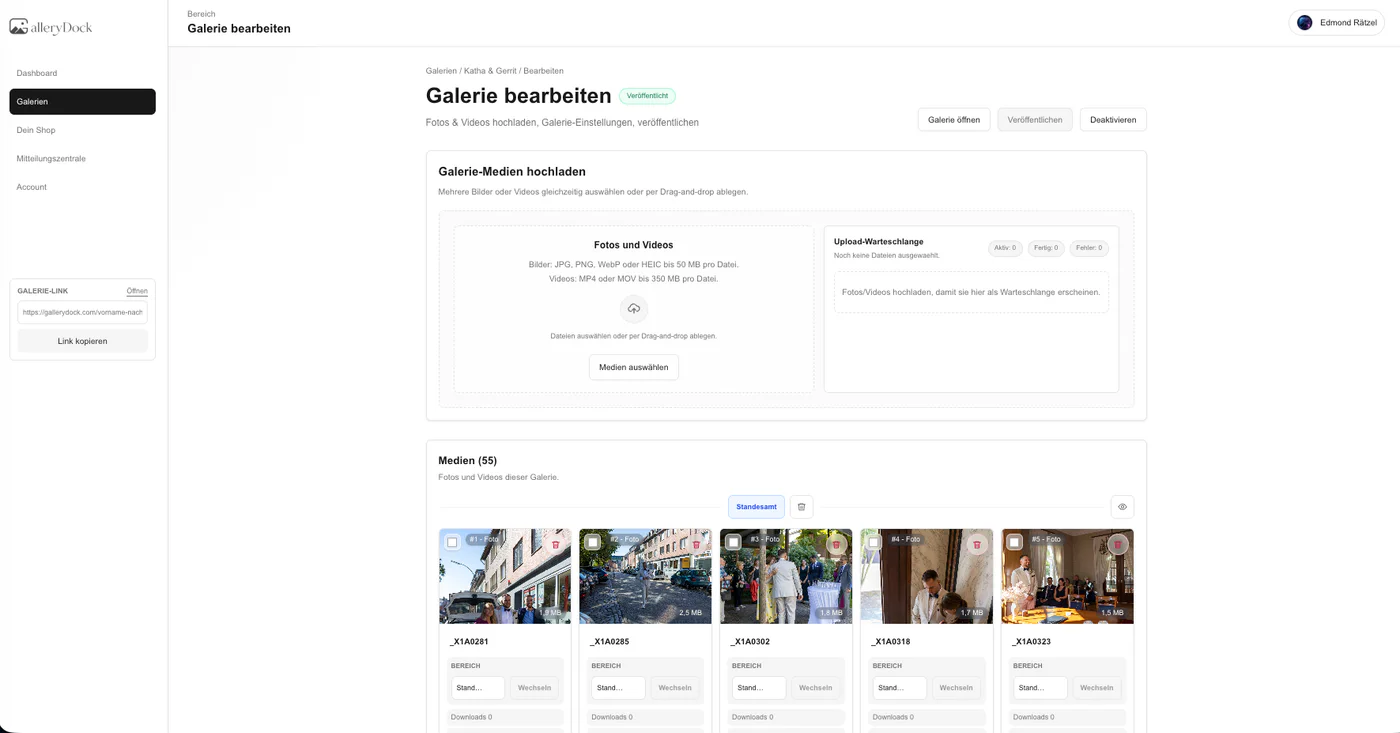
Software for photographers is not one category. A sustainable stack usually separates culling and editing, customer relationship management, contracts and scheduling, accounting, backup, and the client-facing gallery. GalleryDock belongs to that final post-shoot layer: photographers use it to present a curated assignment, collect favorites or image-specific comments, control approved downloads, and offer eligible digital extras. It does not replace Lightroom or another editor, a CRM, bookkeeping, contract signatures, calendar management, RAW backup, or physical print production and shipping. This guide helps photographers choose software by responsibility so a broad search does not turn into an inaccurate all-in-one promise.
Stack map
Clear ownership reduces duplicate data, missing records, and client confusion.
01
Select technical keepers, color-correct, retouch, and export in image-production software. Client galleries should receive deliberate proofs or finals rather than becoming the workspace for RAW development.
02
Manage inquiries, follow-ups, packages, appointments, questionnaires, and job status in a system designed for business relationships. GalleryDock begins when visual work is ready for the client.
03
Keep signatures, invoices, tax records, payments, refunds, and financial reporting in legally and operationally appropriate systems. A gallery is not the accounting source of truth.
04
Maintain redundant source and final-file storage independently. A client-facing gallery can have a limited access period without determining the photographer's business retention policy.
Gallery layer
The delivery layer should make a curated job easy to review, approve, and receive.
01
Use an intentional cover, title, photographer identity, and image order so the client experiences a finished service rather than a raw storage directory.
02
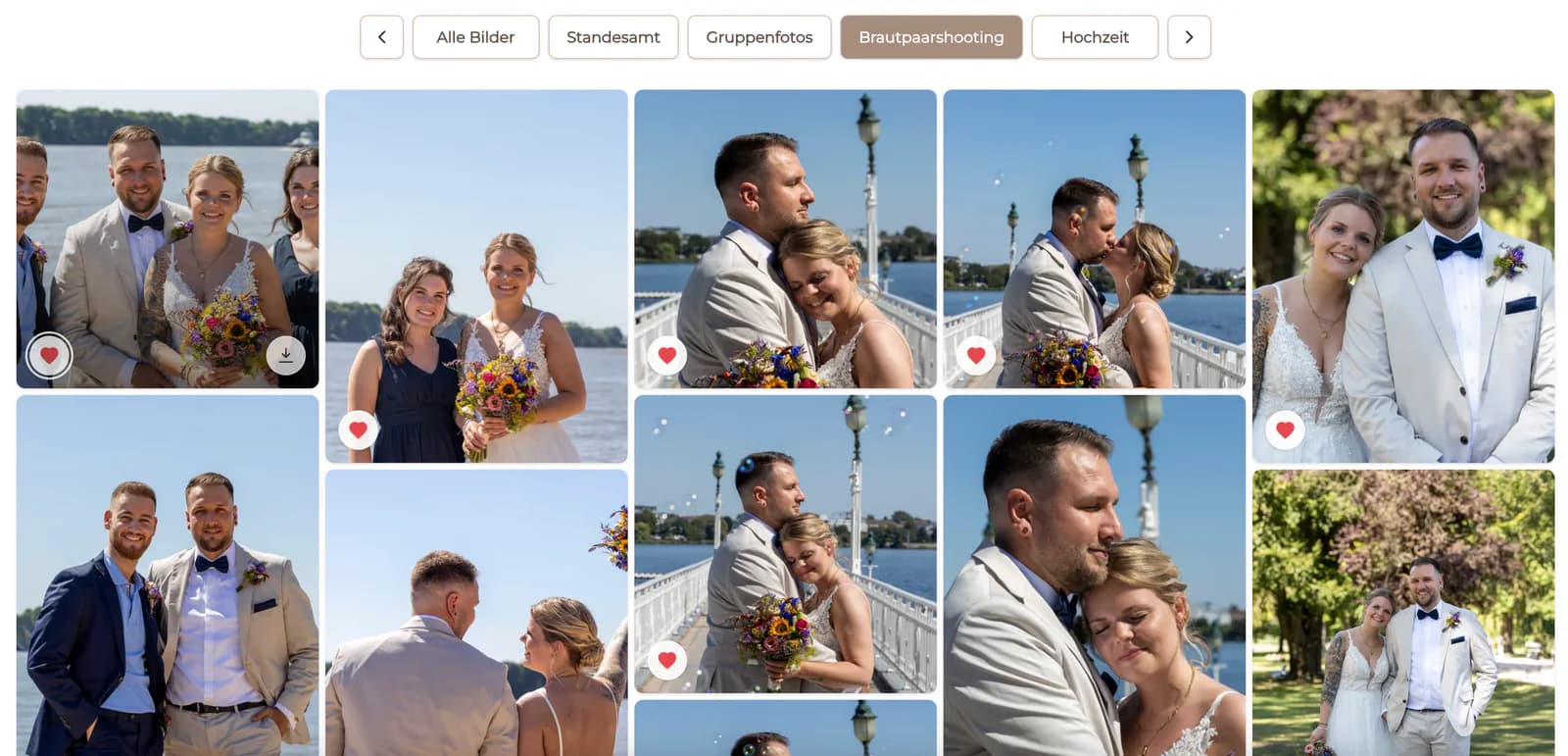
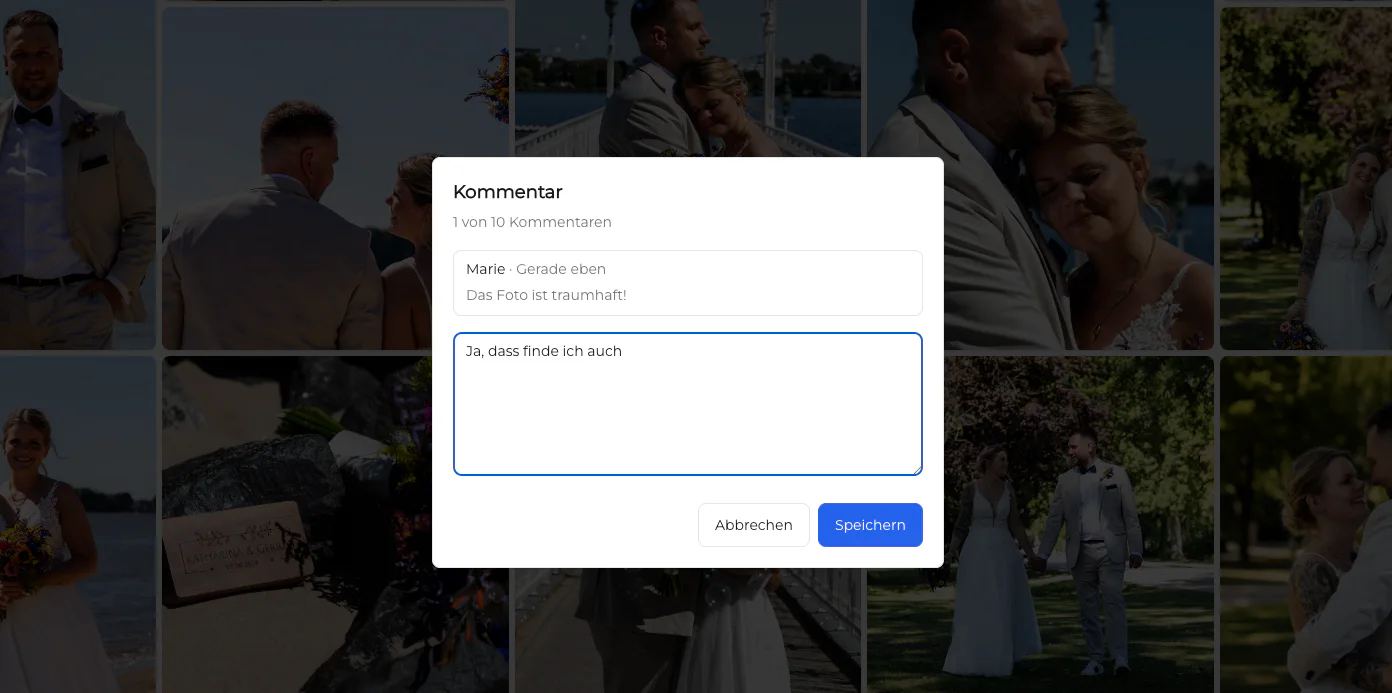
Favorites and image-specific comments reduce filename mistakes and disconnected screenshots. Define each action before the client starts reviewing.
03
Control downloads according to job stage. Watermarked or limited proofs should not be mistaken for the approved final exports promised in the package.
04
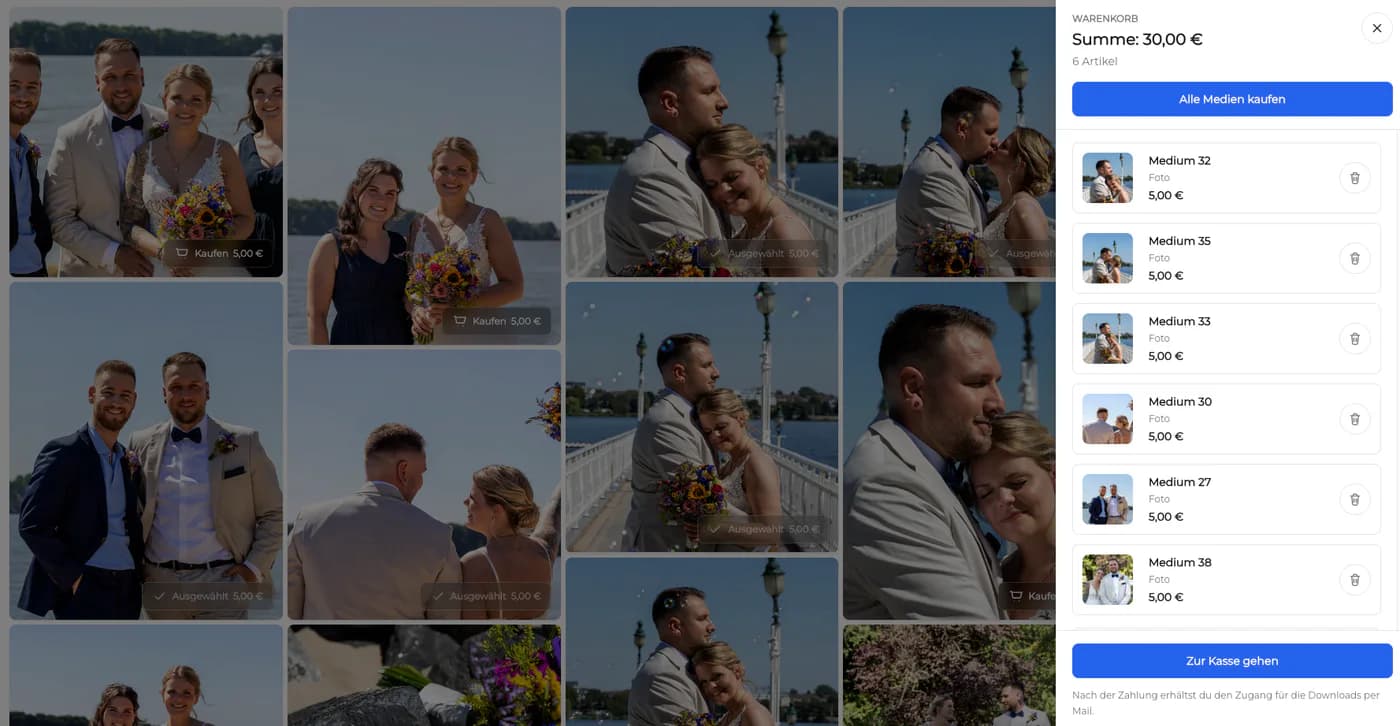
When the package and GalleryDock configuration support additional digital images, explain inclusion, price, and delivery accurately. Keep physical print production and shipping outside the GalleryDock workflow, and do not imply a universal shop.
Selection
A smaller, well-defined stack can be safer than an all-in-one promise with unclear ownership.
01
Decide where client contact details, contractual scope, payment state, image selection, and final files each live. Avoid editing the same critical fact in several tools.
02
Verify color space, resolution, filenames, metadata, gallery order, and download behavior with a real representative job before standardizing the workflow.
03
Not every connection needs automation. A short documented handoff can be more reliable than an opaque integration that duplicates contacts or changes delivery state unexpectedly.
04
Choose upgrades based on repeated operational problems such as unclear approvals, failed downloads, or missing backups. Do not add software solely because a competitor's stack appears longer.

Comparison
No single product in this list should be described as replacing every other category.
| Approach | Best for | Tradeoff |
|---|---|---|
| Editing software | Culling, color, retouching, and export | Not the client delivery experience |
| Photographer CRM | Leads, bookings, contracts, and job status | Not image proofing or final download presentation |
| Accounting software | Invoices, taxes, and financial records | Not visual review or delivery |
| Backup storage | Redundant source and archive protection | Not a guided client journey |
| GalleryDock | Post-shoot proofing, feedback, and delivery | Not editing, CRM, accounting, scheduling, RAW backup, or physical print production and shipping |
Use editing software for production, a lightweight CRM and accounting process for business records, independent backup, and GalleryDock for client review and delivery.
Editors deliver approved exports to a studio manager, who verifies the client gallery and releases downloads after the decision owner signs off.
Keep procurement, contracts, and invoices in company systems while stakeholders review curated campaign images in a dedicated gallery.
Frequently asked questions
Needs vary, but common responsibilities include culling and editing, CRM or booking, contracts and accounting, backup and archive, and a client-facing proofing and delivery gallery.
No. GalleryDock focuses on gallery-based client review and delivery and does not replace editing, CRM, accounting, scheduling, contracts, or backup.
No. Cull, color-correct, retouch, and export in dedicated image-production software before uploading purposeful client versions.
No. Keep signatures, invoices, payments, tax records, and financial reporting in the appropriate business systems.
Yes. Favorites and image-specific comments support defined selection and approval workflows after the photographer curates the set.
No. Photographers need independent redundant storage for source files, working files, final exports, and essential business records.
Related resources
Pricing
Free forever
0 EUR
EUR 0 per month
Perfect for sharing your first galleries professionally.
Start free, no credit card required
Monthly
19 EUR
EUR 228 billed yearly. plus VAT
Ideal for photographers who regularly deliver client galleries.
For regular client delivery
Monthly
29 EUR
EUR 348 billed yearly. plus VAT
For photographers managing many projects, videos and growing storage.
For regular client delivery
Keep production, CRM, finances, and backup in their proper systems, then use GalleryDock as the focused client-facing layer for curated proofing, feedback, and final delivery.
Create a free account