01
Select a finished image
Use approved work with stable color, retouching, resolution, and a clear visual center.
framed photo prints
Sell framed photo prints online with clear artwork, frame, orientation, crop, dimensions, room context, price, cart, and production decisions.
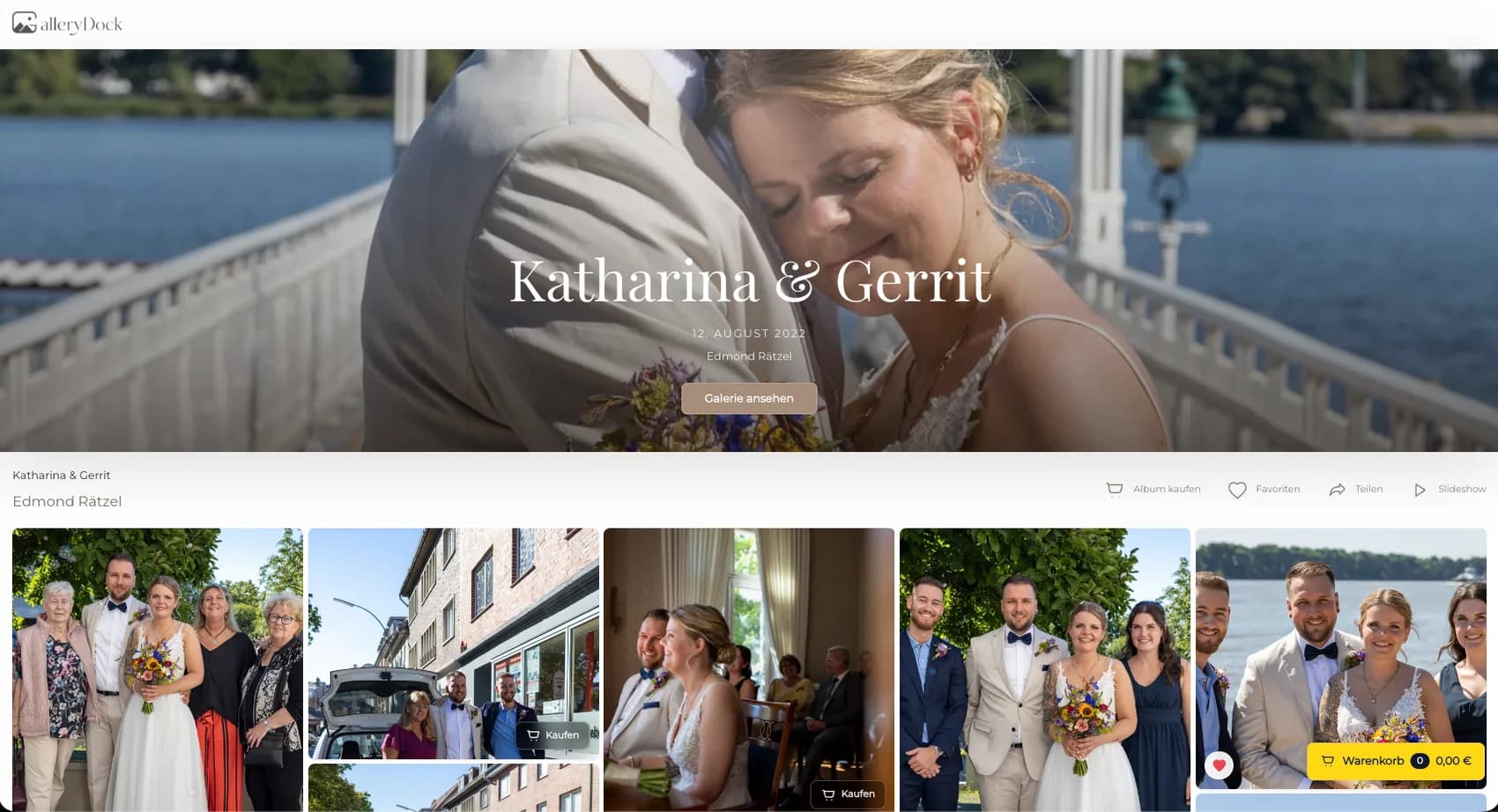
Quick answer
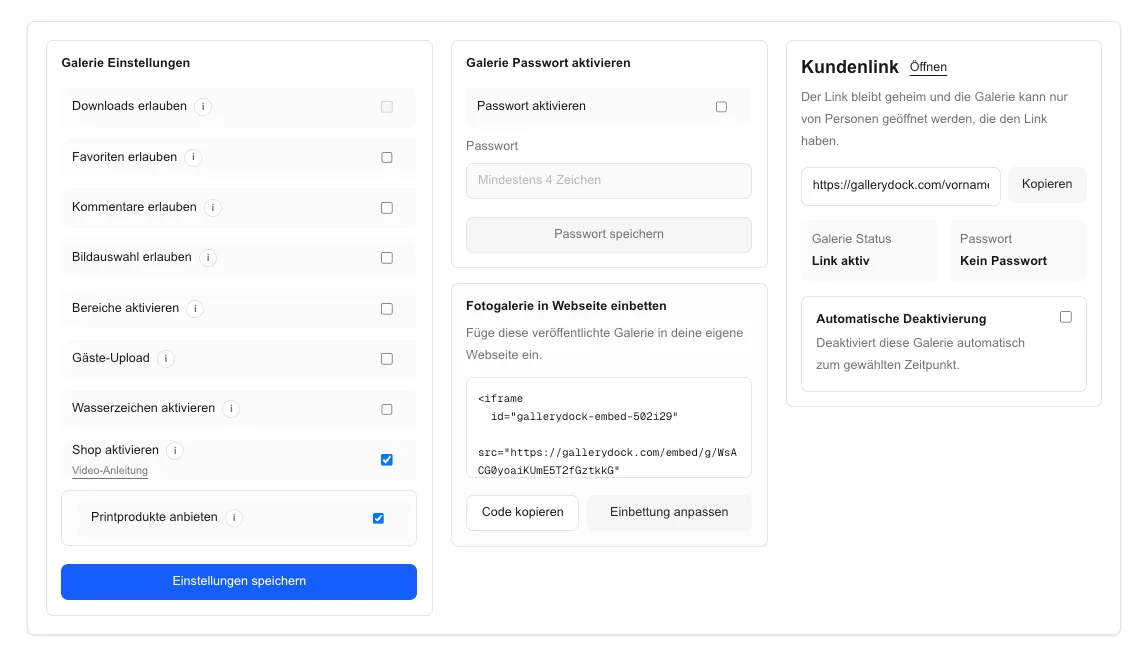
Selling framed photo prints online turns one finished photograph into a specific display product whose image, frame option, orientation, crop, scale, and price can be judged together. Begin with one representative client project and define the photograph, physical offer, decision points, and review responsibility before publishing. GalleryDock keeps the image, configured digital or physical products, crop, cart, and checkout handoff in one client-facing context. The photographer remains responsible for product truth, prices, source-file suitability, production coordination, access decisions, and final order review. Test the complete path on desktop and mobile rather than treating an editor preview, room mockup, redirect, or provider description as proof. This page covers the concrete online offer and order path, not a broad framed-photography business strategy, custom framing service, universal frame catalog, matting guarantee, manufacturer promise, installation advice, shipping quote, or delivery-time claim.
Artwork
The frame should support the photograph rather than compensate for an unresolved composition.
01
Use approved work with stable color, retouching, resolution, and a clear visual center.
02
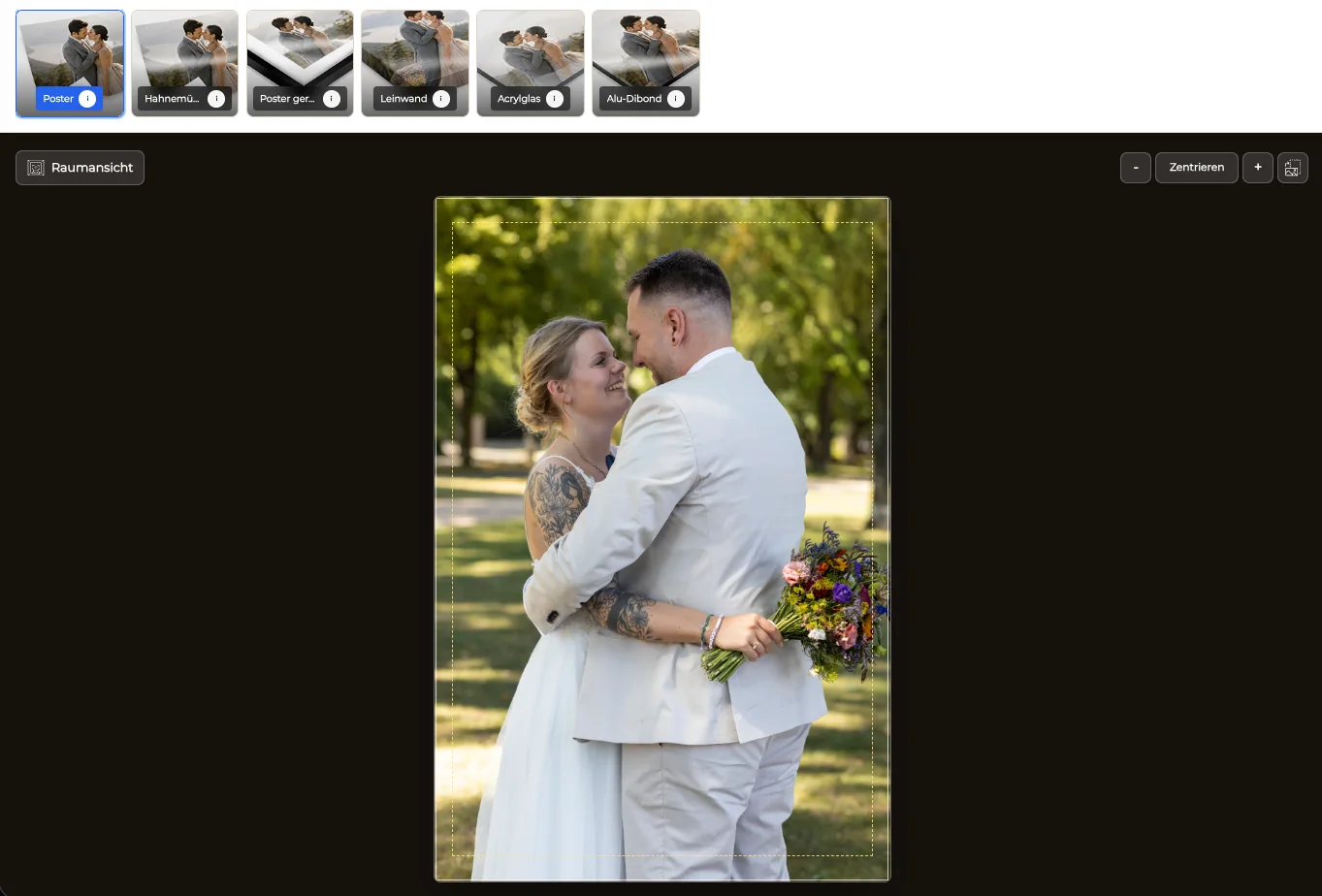
Inspect heads, hands, architecture, horizons, and negative space where the chosen format may trim the source.
03
Let the photograph determine portrait or landscape presentation before clients compare dimensions.
04
Publish only frame and size choices that suit the image and the photographer's actual production workflow.
Display context
A room preview supports the decision but does not replace product data.
01
Describe the option available in the gallery without implying an unlimited range of woods, colors, mats, glazing, or profiles.
02
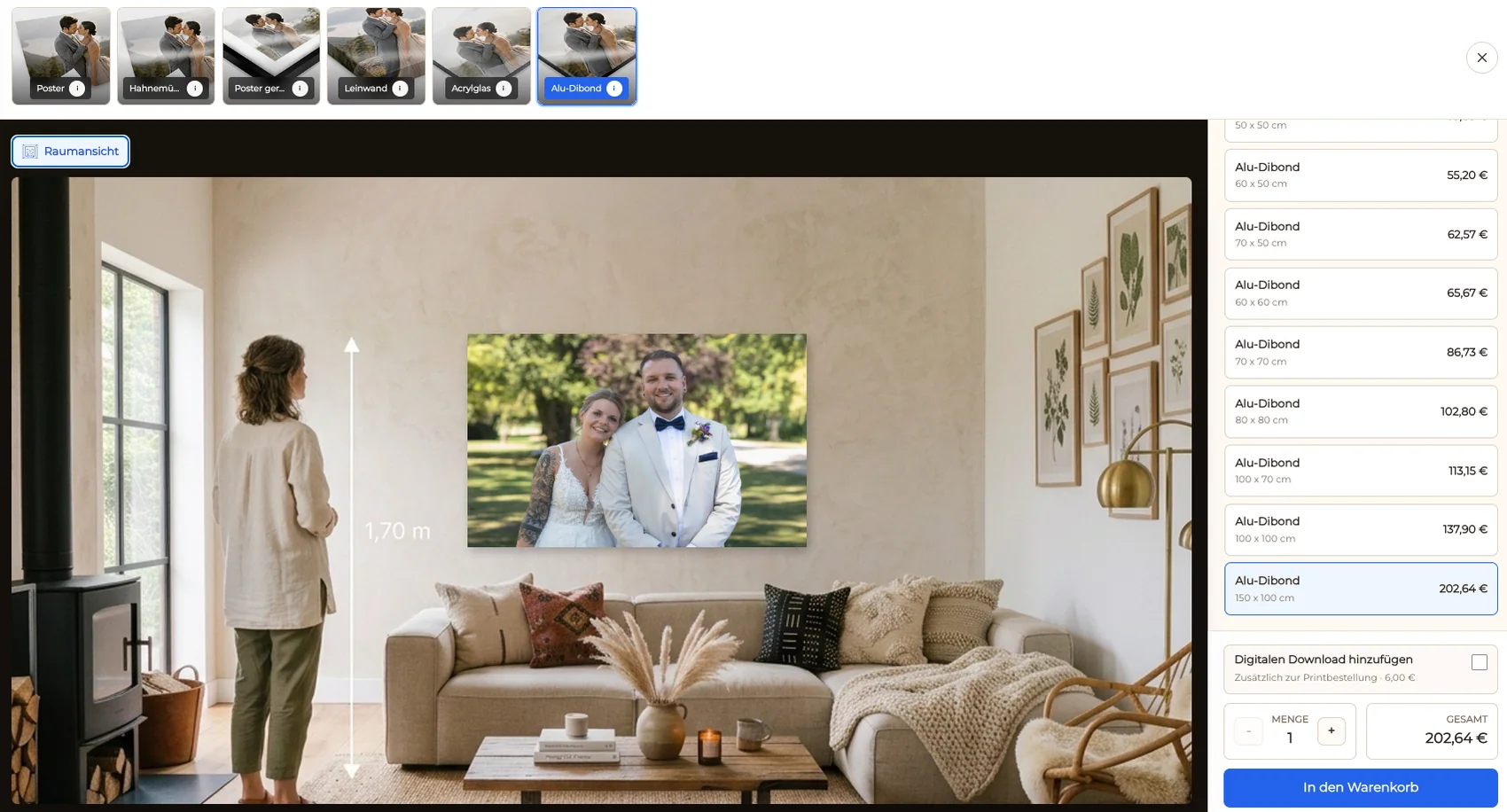
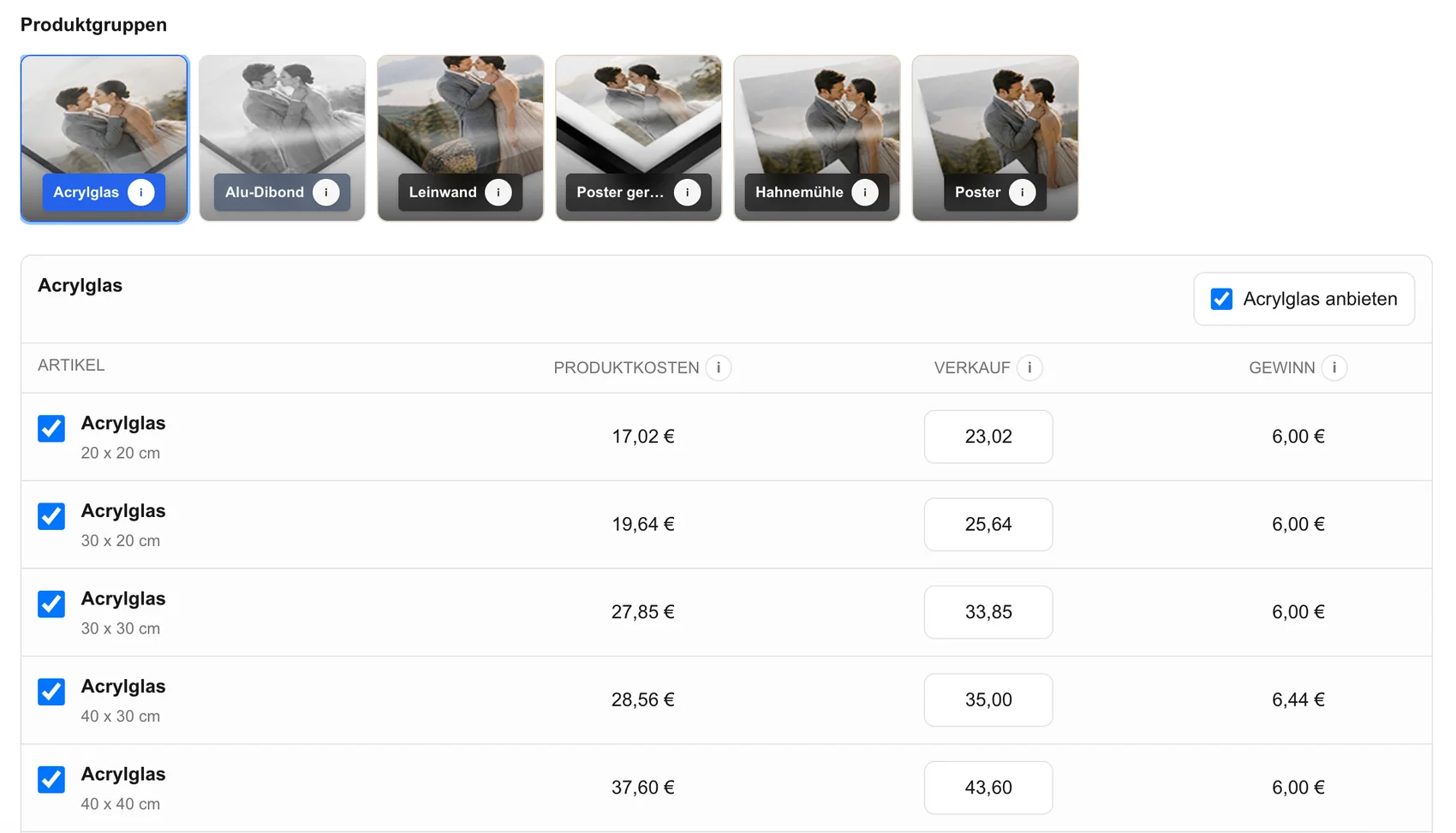
Show product sizes and prices at the point of choice so room scale is anchored in measurable information.
03
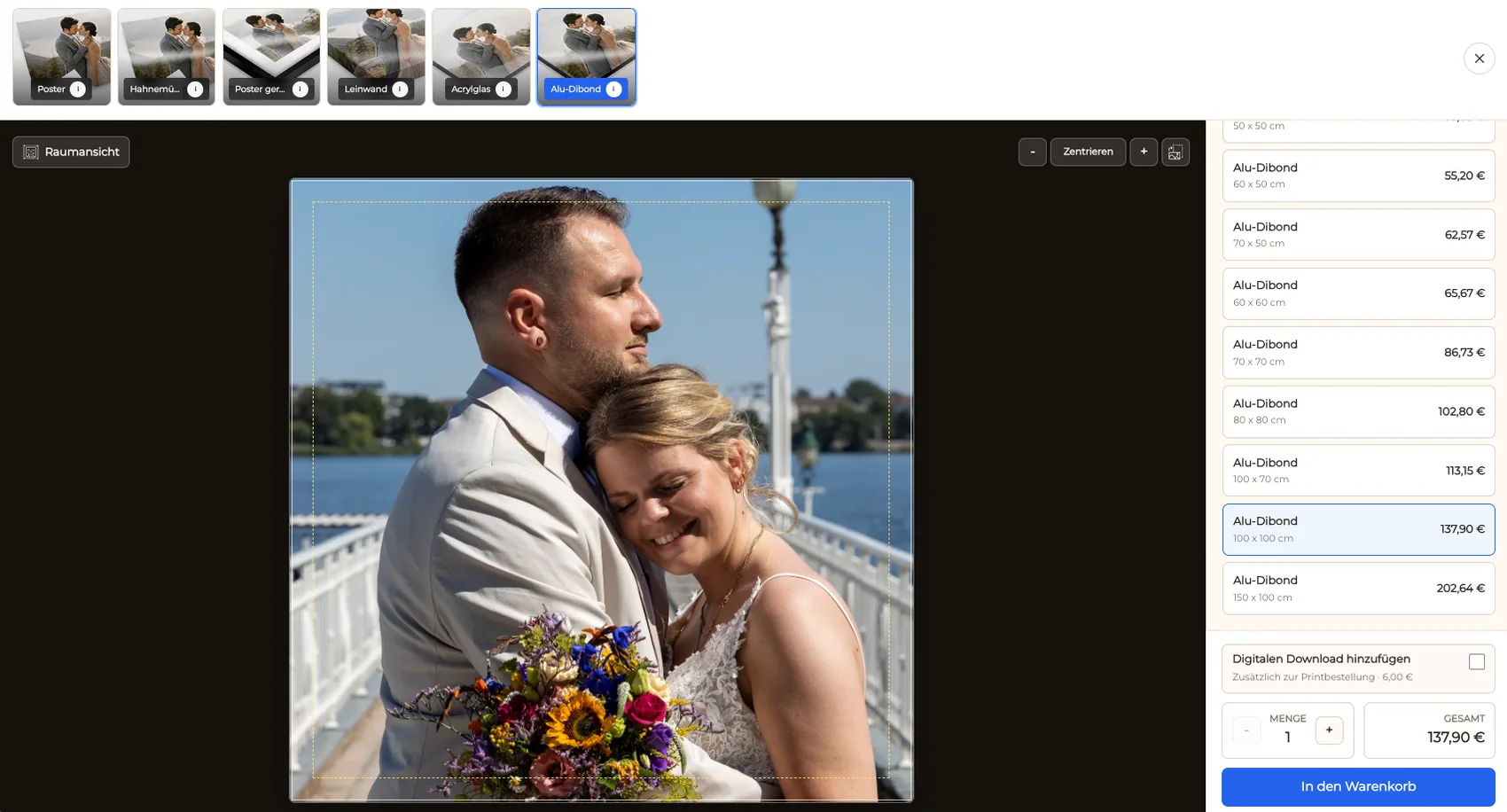
Confirm the artwork remains balanced inside the selected orientation and safe area.
04
Show a plausible placement while avoiding claims about exact on-screen scale, color, installation, or room fit.
Purchase
The client needs to know exactly which artwork and configuration reaches the cart.
01
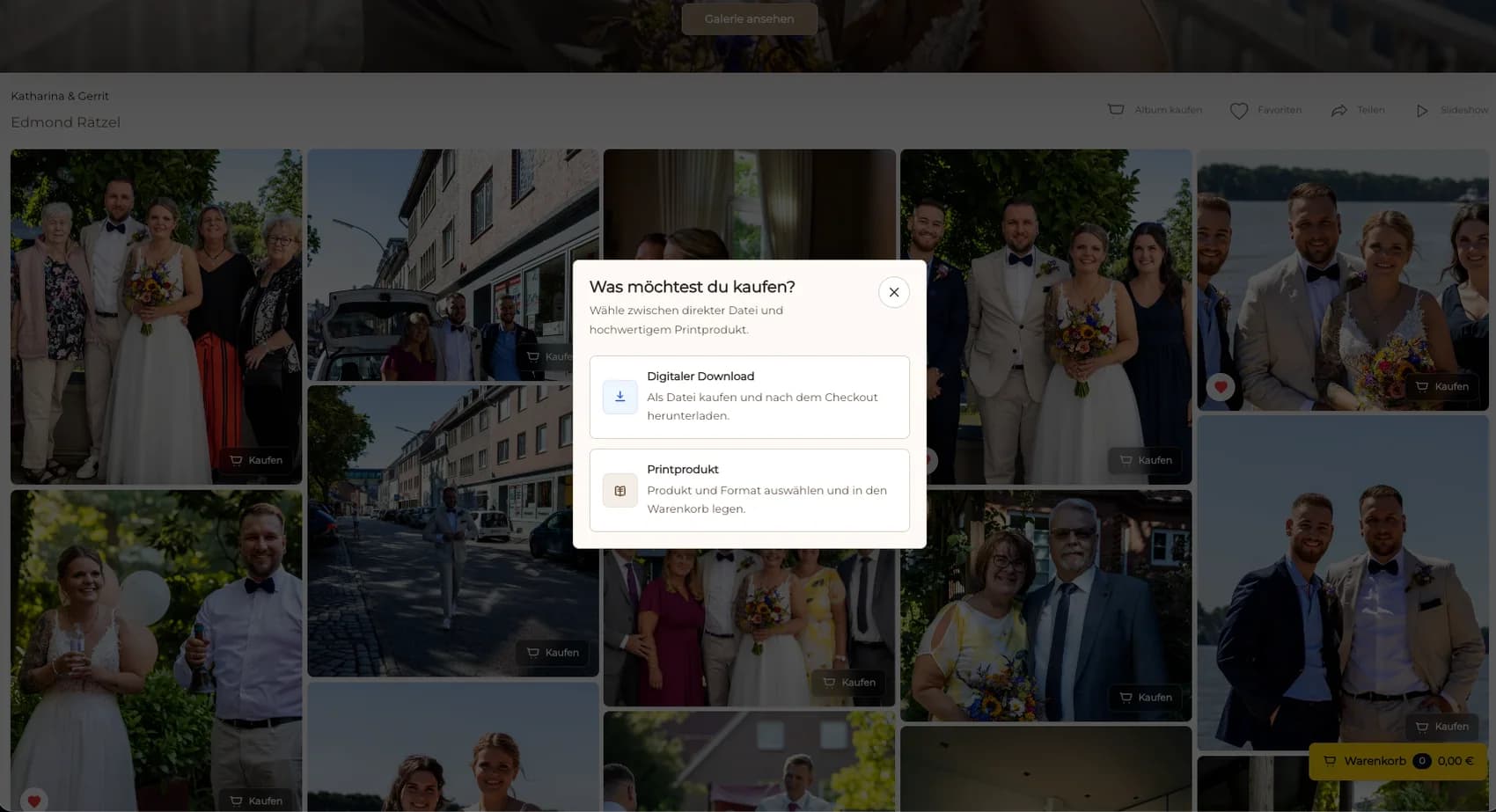
Open the intended photograph and choose the framed product from its client-facing context.
02
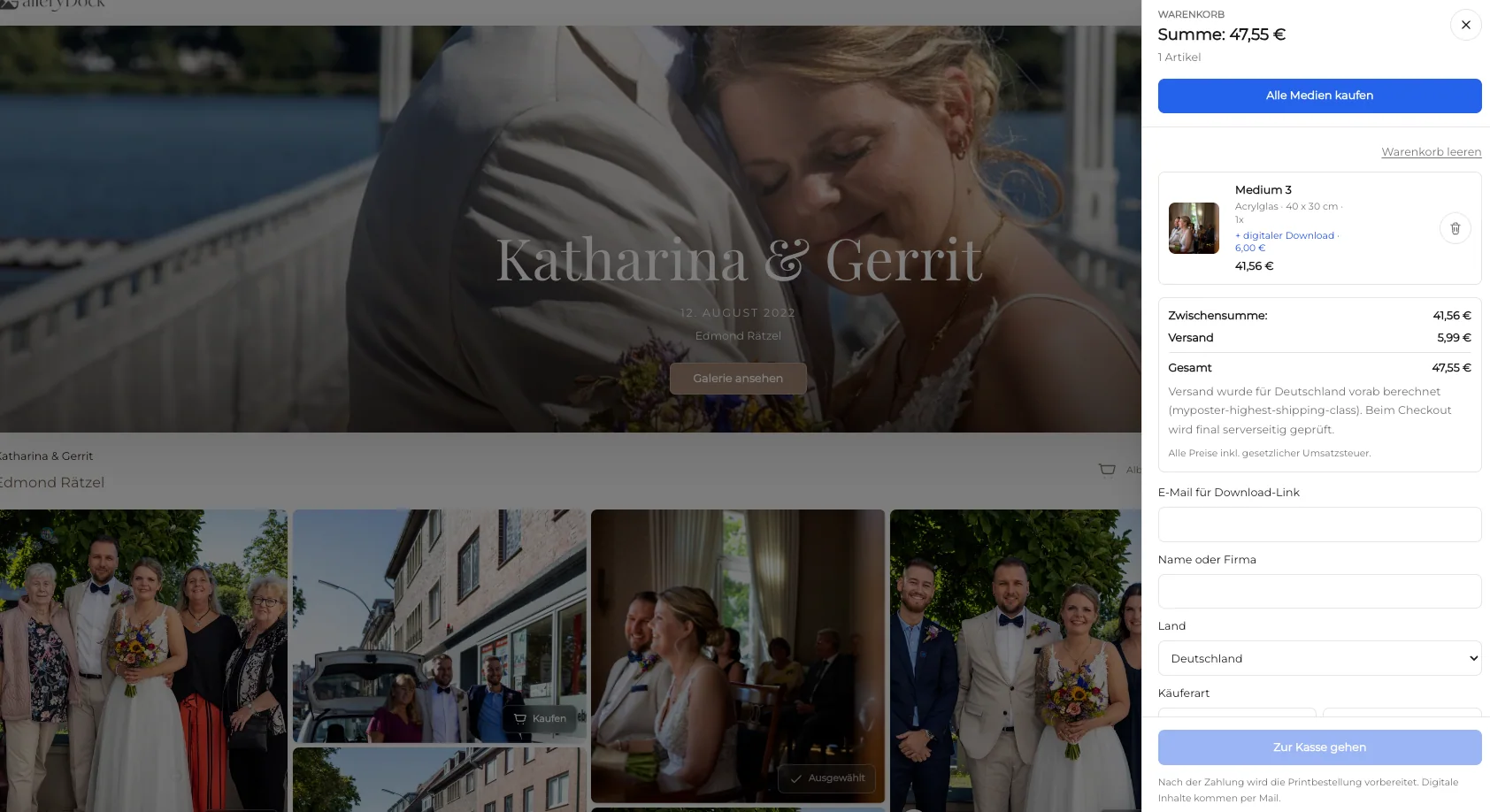
Check frame option, size, orientation, crop, quantity, and price before continuing.
03
Make sure the summary preserves the artwork and every configured physical choice.
04
After purchase, verify the final file, frame specification, crop, and production handoff before ordering.
Comparison
Keep a configured gallery product distinct from custom framing and general wall-art advice.
| Approach | Best for | Tradeoff |
|---|---|---|
| GalleryDock framed print | Client photographs with a configured frame choice | The photographer must verify frame data and production |
| Custom frame consultation | One-off materials and measurements | Requires a separate consultative workflow |
| General online store | A broad wall-decor catalog | May disconnect the frame from the client image |
| Unframed print | Clients arranging their own framing | Final presentation remains outside the gallery |
| Manual quote | An unusual frame or dimension | Product and payment details move into messages |
The group spacing and faces are protected before a horizontal frame size reaches the cart.
A quiet vertical image is tested at a nursery-friendly scale without promising exact room matching.
The artwork, orientation, frame option, crop, and price are presented as one deliberate choice.
Frequently asked questions
Yes, when the framed product, sizes, prices, and client order path are configured.
No. The page should describe only the actual configured options.
No. It provides visual context; exact dimensions and verified product information remain authoritative.
Review faces, hands, horizons, architectural lines, negative space, and intended edge detail inside the chosen format.
No. It covers a configured online product rather than an unlimited custom-framing consultation.
Related resources
Pricing
Free forever
0 EUR
EUR 0 per month
Perfect for sharing your first galleries professionally.
Start free, no credit card required
Monthly
19 EUR
EUR 228 billed yearly. plus VAT
Ideal for photographers who regularly deliver client galleries.
For regular client delivery
Monthly
29 EUR
EUR 348 billed yearly. plus VAT
For photographers managing many projects, videos and growing storage.
For regular client delivery
Choose a finished photograph, confirm the configured frame and dimensions, inspect crop and room context, and review the complete cart.
Create a free account