A TYPO3 photo gallery embed lets an established CMS keep its page structure and editorial ownership while GalleryDock supplies the client-gallery workflow. The practical result is a managed TYPO3 page where the intended audience can open a prepared gallery for review, selection, feedback, downloads, or configured sales. Start with one representative client project, prepare only the material and actions the intended audience should see, and define the next step before publishing. GalleryDock supplies the client-facing gallery, contextual favorites and comments, controlled downloads, and—when configured—digital sales and physical print sales. The website owner chooses the placement and remains responsible for the surrounding page, access decisions, editor permissions, publishing, and testing. Check the public experience on desktop and mobile rather than treating an editor preview as proof. This is not a TYPO3 extension, TypoScript, Fluid template, Sitepackage, backend-permissions guide, CSP bypass, security workaround, or guarantee that every installation permits the same HTML.
Prepare
Define the job before building typo3 photo gallery embed
A website placement is the presentation layer of a client workflow. The gallery, audience, permissions, destination page, and intended next action should be clear before code or a link is placed.
01
Choose one audience and outcome
A TYPO3 photo gallery embed lets an established CMS keep its page structure and editorial ownership while GalleryDock supplies the client-gallery workflow. Write down who opens the page and whether the next step is viewing, selection, feedback, download, a digital purchase, a physical print purchase, or another business action.
02
Prepare the gallery first
Review image order, names, visible controls, download permissions, optional password access, configured products, prices, and crops. Expose only the choices that belong to this audience and assignment.
03
Select a stable destination
Use the intended published page or template and confirm that its editor permits the required URL, HTML, or embed element. Keep a clear owner for later page and gallery updates.
04
Give the gallery enough context
Explain why the gallery is present, who may use it, and what visitors should do next. Keep surrounding copy concise and avoid competing controls immediately beside the gallery.
Publish
Place the gallery with a controlled handoff
Use a Plain HTML content element only where the responsible TYPO3 administrator permits it, preserve the complete generated code, and publish through the normal editorial workflow. Work from the prepared GalleryDock destination and the website's documented content area instead of inventing a parallel integration.
01
Preview the public gallery
Open the GalleryDock view without owner authentication. Confirm the gallery itself is ready before troubleshooting the page builder, CMS, course platform, component, or surrounding layout.
02
Use the supported handoff
Use the current generated code or supported gallery URL and keep it intact. Avoid undocumented scripts, copied assets, untrusted templates, or wrappers that create another maintenance surface.
03
Publish through the normal workflow
Use a Plain HTML content element only where the responsible TYPO3 administrator permits it, preserve the complete generated code, and publish through the normal editorial workflow. Save or publish through the website's normal process, then inspect the real URL rather than relying only on an editor canvas.
04
Keep client actions distinct
The target is a managed TYPO3 page where the intended audience can open a prepared gallery for review, selection, feedback, downloads, or configured sales. Make favorites, comments, downloads, digital products, physical print products, and external actions visibly separate so visitors understand what each control does.
Verify
Test the live result and its boundaries
Review the actual frontend page with the responsible editor or administrator and check the configured access state, responsive layout, and gallery actions. A successful placement is only one part of the evidence; the complete client-facing path must remain usable, understandable, and product-truthful.
01
Check desktop and mobile
Verify readable text, usable controls, stable media, the intended maximum width, and no horizontal overflow at the public URL. Test the same access state a real client or visitor receives.
02
Exercise every enabled action
Open images, test a representative favorite or comment where appropriate, verify downloads, inspect configured products and crops, and confirm the checkout handoff without completing a purchase.
03
Separate facts from platform behavior
This is not a TYPO3 extension, TypoScript, Fluid template, Sitepackage, backend-permissions guide, CSP bypass, security workaround, or guarantee that every installation permits the same HTML. Describe only the tested workflow and do not turn a layout, permission, cache, plan, security policy, or publishing condition into a guarantee.
04
Document the update owner
Record which GalleryDock gallery feeds the page, where the code or link lives, who can publish website changes, and how the public result is checked after content, access, product, or layout updates.
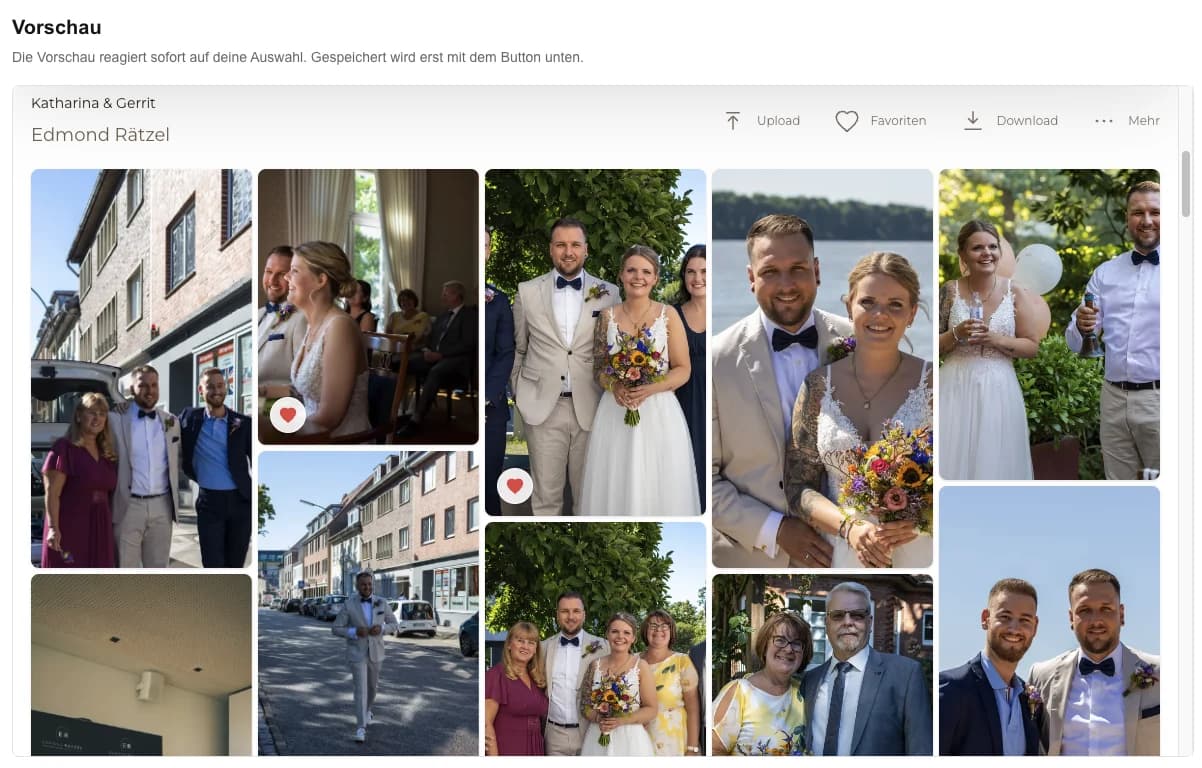
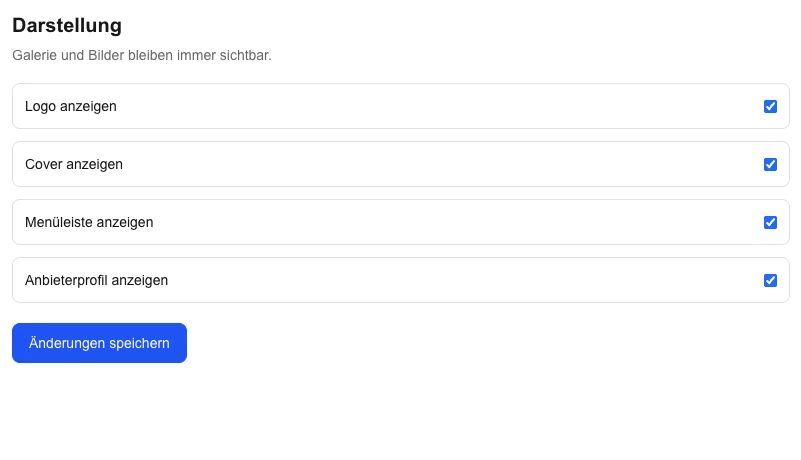
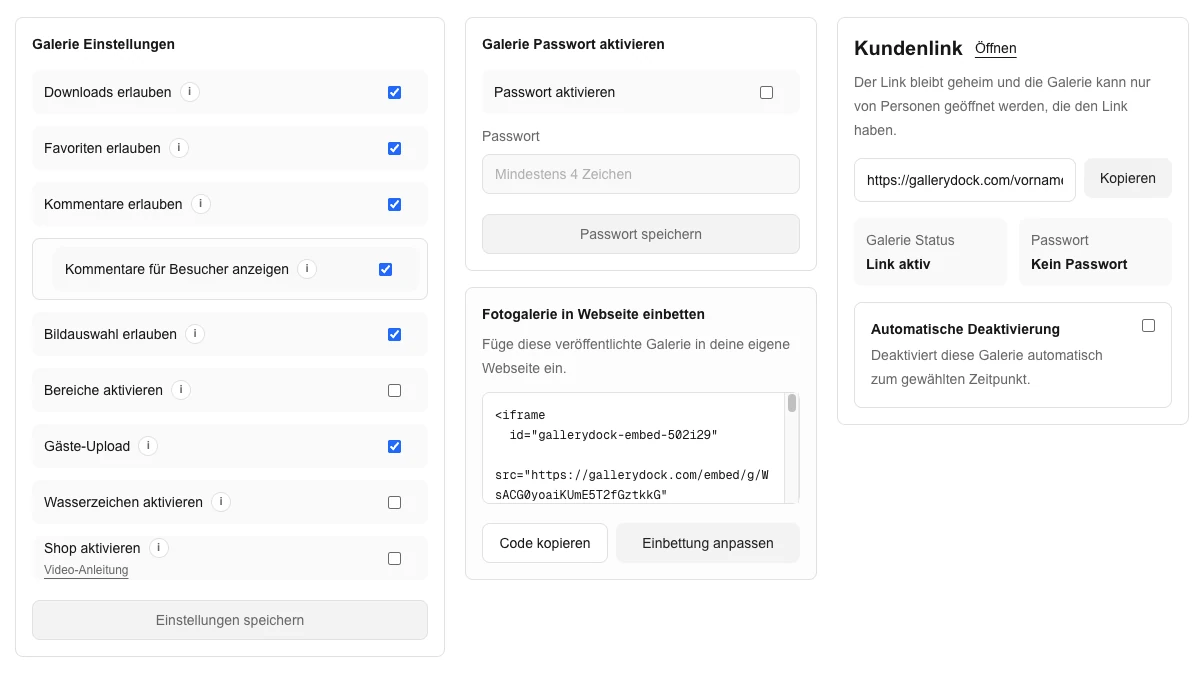
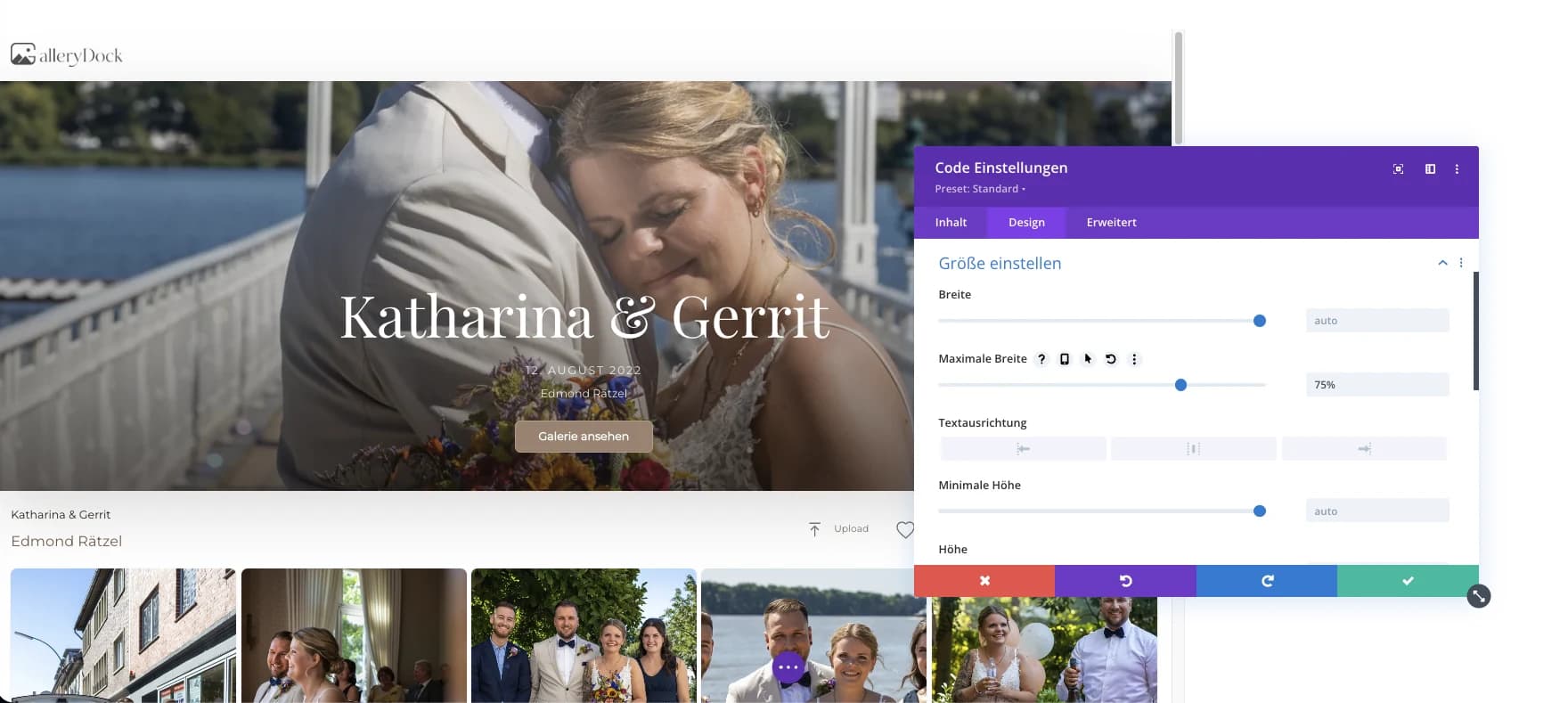
Choose the gallery presentationChoose the gallery presentation is shown with the existing product view from the German source guide.Copy the generated GalleryDock embedCopy the generated GalleryDock embed is shown with the existing product view from the German source guide.Place the gallery in an approved Plain HTML content elementPlace the gallery in an approved Plain HTML content element is shown with the existing product view from the German source guide.Verify the published TYPO3 widthVerify the published TYPO3 width is shown with the existing product view from the German source guide.
Comparison
Choose the right approach for typo3 photo gallery embed
Match the delivery method to the audience and maintenance responsibility instead of forcing every project through the same website component.
Approach
Best for
Tradeoff
GalleryDock client gallery on the website
a managed TYPO3 page where the intended audience can open a prepared gallery for review, selection, feedback, downloads, or configured sales
Requires a tested destination page and deliberate gallery setup
Direct GalleryDock link
A focused handoff without surrounding website content
Does not place the entry inside the business website
Generic cloud folder
Straightforward file storage or transfer
Folder structure does not create a curated client workflow
Native website image block
A small editorial set maintained in the website
Updates and client actions remain separate from GalleryDock
Custom website integration
Requirements beyond the supported GalleryDock handoff
Adds development, security, testing, and maintenance ownership
Agency-managed studio site
An administrator places the gallery in an approved content element while the photographer maintains only the GalleryDock source.
Corporate project page
A studio presents one assignment inside the existing TYPO3 information architecture without introducing a new extension.
Controlled client delivery
The site keeps its editorial process while GalleryDock handles favorites, comments, downloads, and configured products.
Frequently asked questions
Questions about this workflow
Can TYPO3 display a GalleryDock photo gallery?
Yes, where an approved Plain HTML content element accepts the generated handoff and the public page passes testing.
Do I need a TYPO3 extension?
No extension is claimed or required by this guide; it uses an approved existing content boundary.
Should editors bypass HTML restrictions?
No. The responsible administrator should evaluate permissions and security policy rather than weakening controls.
Can the gallery include downloads and sales?
Yes. GalleryDock can provide controlled downloads, digital sales, and physical print sales when configured.
Does this replace TYPO3 development?
No. TYPO3 architecture, templates, permissions, publishing, and security remain with the website team.
Ideal for photographers who regularly deliver client galleries.
Unlimited galleries
200 GB storage
Photos & videos
Image upload: 100 MB
Video upload: 15 GB
Your own shop for digital sales
Sell print products in your shop
Only 10% shop fee per sale
Your own profile in client galleries
Password-protect client galleries
Use your own logo as a watermark
Let clients select images and mark favorites
Control photo and video downloads
Embed galleries on your own website
Hide GalleryDock branding
Use your own logo in galleries
For regular client delivery
Pro
Monthly
29 EUR
EUR 348 billed yearly. plus VAT
For photographers managing many projects, videos and growing storage.
Unlimited galleries
1 TB storage
Photos & videos
Image upload: 100 MB
Video upload: 30 GB
Your own shop for digital sales
Sell print products in your shop
Only 5% shop fee per sale
Your own profile in client galleries
Password-protect client galleries
Use your own logo as a watermark
Let clients select images and mark favorites
Control photo and video downloads
Embed galleries on your own website
Hide GalleryDock branding
Use your own logo in galleries
For regular client delivery
Build a clearer typo3 photo gallery embed workflow
Prepare one real gallery, place it on the intended page, and test the public result from start to finish. The goal is a managed TYPO3 page where the intended audience can open a prepared gallery for review, selection, feedback, downloads, or configured sales. GalleryDock supports the gallery and commerce path without replacing website administration, professional judgment, access policy, or third-party platform responsibility.