01
List decisions by stage
Separate factual accuracy, brand language, operational feasibility, executive direction, and final technical verification. Each category needs a reviewer with the right authority.
Corporate video feedback workflow
Run a corporate video feedback workflow that separates department accuracy, brand review, leadership decisions, and production verification without merging every stakeholder into one vague round.
Quick answer
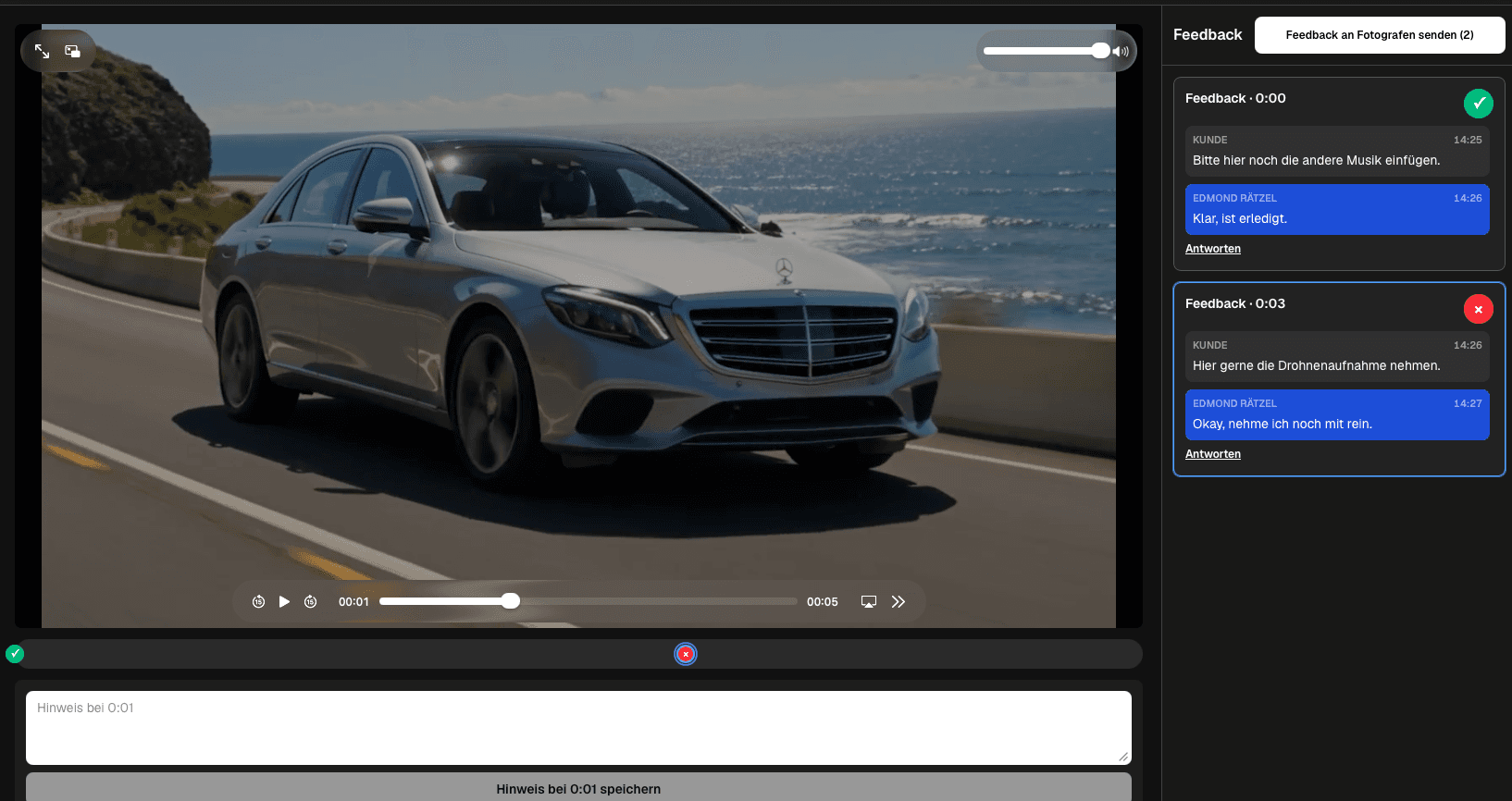
A corporate video feedback workflow should separate subject-matter, brand, leadership, and production decisions, then consolidate them into one verified correction list for the current export. GalleryDock supports a clear client-facing review, but it does not claim enterprise SSO, role-based access control, legal approval automation, compliance certification, or an internal document-management workflow.
Governance
Corporate review becomes manageable when every reviewer knows why they are present and who owns the final answer.
01
Separate factual accuracy, brand language, operational feasibility, executive direction, and final technical verification. Each category needs a reviewer with the right authority.
02
The production team should receive one resolved company position, not a collection of incompatible personal preferences from departments with overlapping interests.
03
Resolve subject-matter and brand issues before leadership review. Asking executives to judge a cut full of known working-level problems creates avoidable rework.
04
If the organization requires legal, compliance, procurement, or records controls, route those through the established corporate system and keep the media review accurately scoped.
Reviewer brief
A role-specific brief reduces broad reactions and protects the edit from late, out-of-stage changes.
01
Ask whether facts, terminology, process steps, product behavior, locations, and people are represented correctly. Discourage unrelated aesthetic changes at this stage.
02
Ask for exact language, visual identity, required disclaimers, pronunciation, graphic, and call-to-action decisions tied to specific moments.
03
Present a clean export and ask for directional acceptance, strategic concerns, and the final business decision rather than line-by-line production supervision.
04
After revisions, check the corrected scenes, audio, titles, captions, exports, and delivery file. Completion should mean verified, not merely edited.
Closure
The review is complete when the current export reflects the consolidated decision and no unresolved request remains.
01
When departments disagree, return the decision to the consolidation owner. The editor should not infer corporate priorities from comment volume or seniority guesses.
02
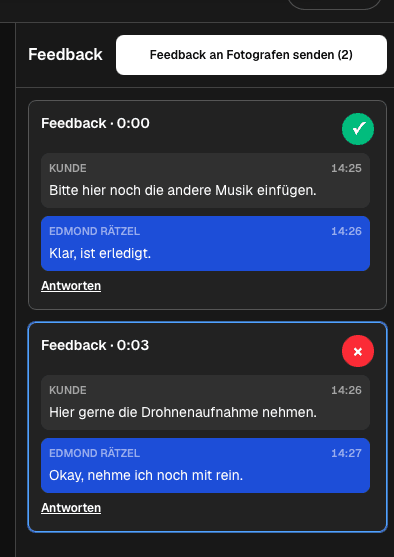
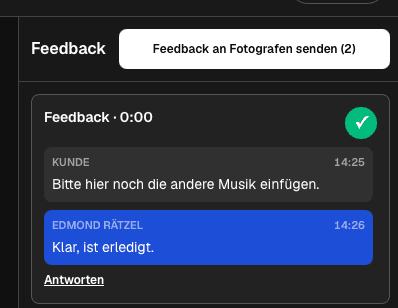
Keep open notes visible, group related decisions carefully, and avoid closing a thread while part of the requested outcome still needs work.
03
The approved file name, duration, graphics, audio, captions, and content should match the reviewed candidate. A verbal okay on a different export is not reliable closure.
04
Tell the company contact what is final, what formats are included, where files are available, and which future adaptations would be a new production request.
Comparison
Use the differences below as decision criteria, then verify the complete path with one real client project before changing your standard workflow.
| Approach | Best for | Tradeoff |
|---|---|---|
| Department review | Factual and operational accuracy | Name one representative who consolidates the department's notes |
| Brand review | Language, visual identity, and required claims | Separate mandatory corrections from personal taste |
| Leadership review | Direction and final business decision | Bring leaders in after working-level issues are resolved |
| Legal or compliance input | Questions routed to the responsible internal process | GalleryDock does not replace formal legal approval records |
| Production verification | Checking the corrected export | Close only what was actually verified in the current file |
HR checks role language and employee context, brand verifies presentation, and leadership sees a clean decision-ready export rather than unresolved working notes.
A subject-matter expert checks factual claims, marketing reviews message and CTA, and the production team verifies every correction in the current cut.
Regional or departmental contributors provide scene-specific facts while one executive sponsor owns the final directional decision.
Frequently asked questions
Define review stages, invite the relevant stakeholder for each stage, require scene-specific notes, and give one decision owner responsibility for the final consolidated answer.
Working-level subject-matter and brand reviewers should usually resolve factual and practical issues before leadership is asked for a final directional decision.
Yes. Use a clear brief and consolidation rule so HR, product, marketing, and leadership contributions do not become contradictory instructions for the editor.
No. Legal, compliance, privacy, labor, and regulatory decisions remain with the company's qualified internal or external process.
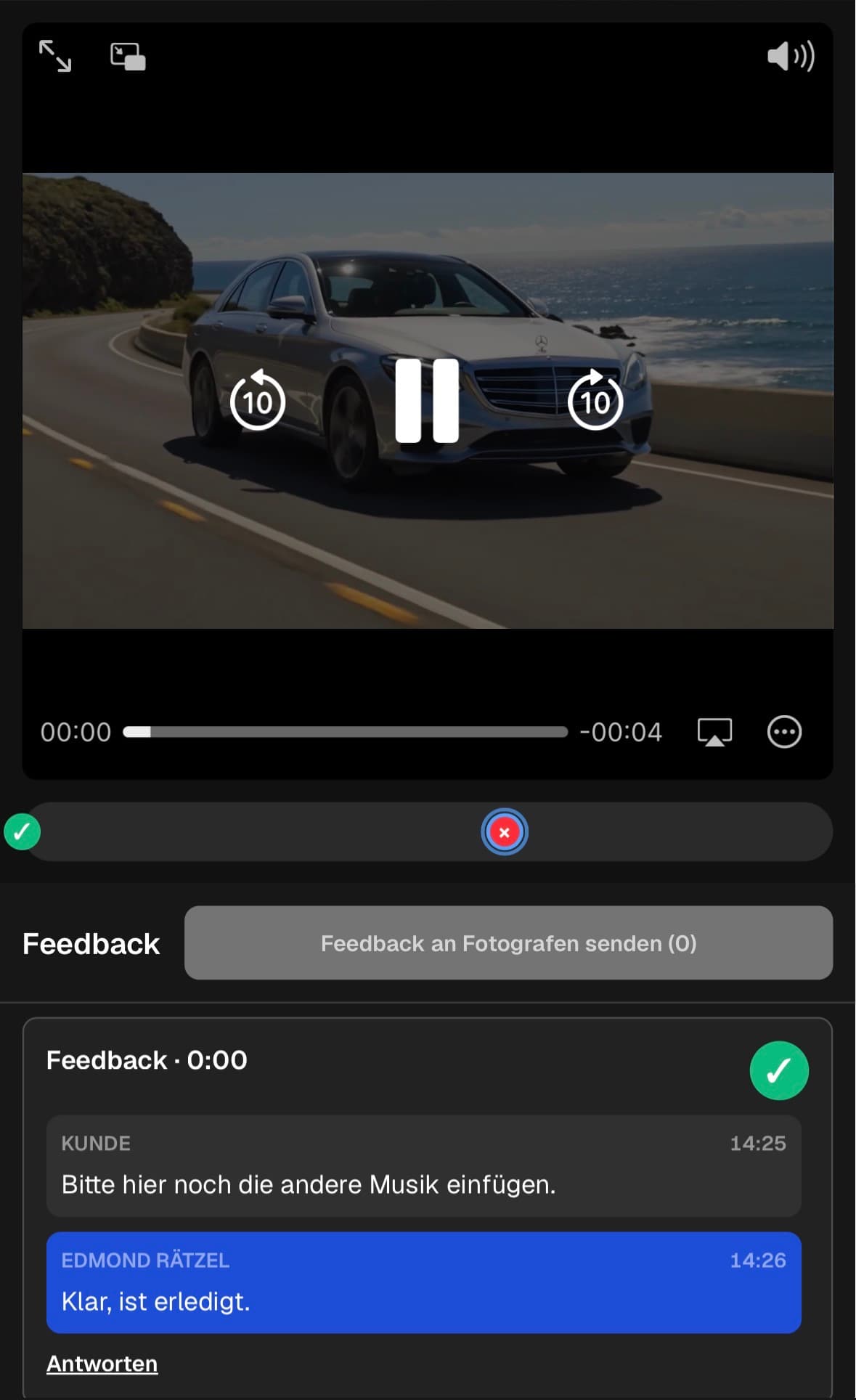
The client-facing path can be opened on mobile, but the production team should test the exact export and instructions on representative devices before the real review.
Use the agreed company process for formal approval records. GalleryDock can support the media review and visible correction status but is not a corporate records system.
Related resources
Pricing
Free forever
0 EUR
EUR 0 per month
Perfect for sharing your first galleries professionally.
Start free, no credit card required
Monthly
19 EUR
EUR 228 billed yearly. plus VAT
Ideal for photographers who regularly deliver client galleries.
For regular client delivery
Monthly
29 EUR
EUR 348 billed yearly. plus VAT
For photographers managing many projects, videos and growing storage.
For regular client delivery
Choose one representative video, assign department and decision owners, run the staged review, and document where the process needs clearer governance.
Create a free account