Client video analysis turns broad reactions such as ‘it feels slow’ into a structured discussion of message, audience effect, clarity, pacing, proof, and call to action. The practical goal is qualitative analysis in which each observation names the scene, expected audience response, evidence, and desired outcome. Start with one real client project and define what the reviewer, buyer, or visitor must understand before opening the link. Then prepare the material, choose access and permissions deliberately, and test the public experience on both a desktop and a phone. GalleryDock keeps the shared work, contextual decisions, delivery, and—where the offer includes them—digital sales and physical print sales in one understandable path. The photographer or filmmaker remains responsible for the source material, client communication, permissions, product configuration, and professional or legal decisions outside the software. GalleryDock does not perform AI video analysis, audience measurement, sentiment analysis, heatmaps, conversion analytics, or automatic creative scoring.
Prepare
Define the job before you share client video analysis
Ask what viewers should understand, feel, remember, or do at each important moment, then separate those communication questions from technical polish notes. A short preparation step prevents the client from guessing what the current version is for or what kind of response is useful.
01
Choose one real client case
Use a current assignment with a clear decision instead of a generic demo. Client video analysis turns broad reactions such as ‘it feels slow’ into a structured discussion of message, audience effect, clarity, pacing, proof, and call to action. Write down who needs access, what they should decide, and what happens after their response.
02
Prepare only the intended material
Check names, versions, crops, permissions, product choices, and visible details before publishing. Remove ambiguity from the presentation rather than asking the client to identify the correct item for you.
03
Set a concrete review or buying brief
Tell the client what to evaluate: ask what viewers should understand, feel, remember, or do at each important moment, then separate those communication questions from technical polish notes. A precise brief separates useful decisions from general reactions and keeps the next production step predictable.
04
Decide access before sending
Choose the private link, optional password, visible products, download permission, or embed location that fits the assignment. Access controls and workflow choices should be intentional, not defaults nobody reviewed.
Guide
Give the client one understandable path
Begin with the intended audience and objective, watch once for the full effect, review key scenes with timecoded evidence, discuss tradeoffs in threads, and turn agreed findings into action items. Keep instructions close to the actual gallery or review experience so the client does not need a separate manual.
01
Open the same view the client receives
Test the public link in a signed-out browser and on a phone. Confirm that the title, version, access step, media, and primary action are immediately understandable without owner-only context.
02
Keep every decision in context
Use the relevant image, scene, product, access screen, or page section as the anchor. qualitative analysis in which each observation names the scene, expected audience response, evidence, and desired outcome Context reduces follow-up messages and protects the meaning of the original request.
03
Separate optional actions clearly
Favorites, comments, downloads, digital purchases, physical print purchases, and final approval are different actions. Label them clearly rather than implying that one click performs all of them.
04
Make the next step explicit
Tell the client whether to submit a selection, answer an open point, choose a product, complete checkout, or simply view the work. A visible endpoint prevents an otherwise polished experience from stalling.
Verify
Test the result before calling the workflow complete
A successful owner preview is not enough. The final check follows the same route, device constraints, permissions, and expectations the actual recipient will encounter.
01
Check desktop and mobile separately
Confirm readable text, usable controls, stable media, correct widths, and no horizontal overflow. Mobile review should remain practical without pretending to be a native app or an offline experience.
02
Verify permissions with a clean session
Open the link without owner authentication and test password, download, commenting, selection, product, or embed behavior as applicable. Never infer client access from the admin view.
03
Review every visible claim
Describe only what the configured workflow actually provides. GalleryDock does not perform AI video analysis, audience measurement, sentiment analysis, heatmaps, conversion analytics, or automatic creative scoring. Avoid turning a useful technical control into a guarantee about security, law, business results, or production quality.
04
Record the handoff decision
Close the loop by documenting the selected images, resolved notes, chosen product, approved version, or verified embed. The software organizes the path; the professional remains accountable for the outcome.
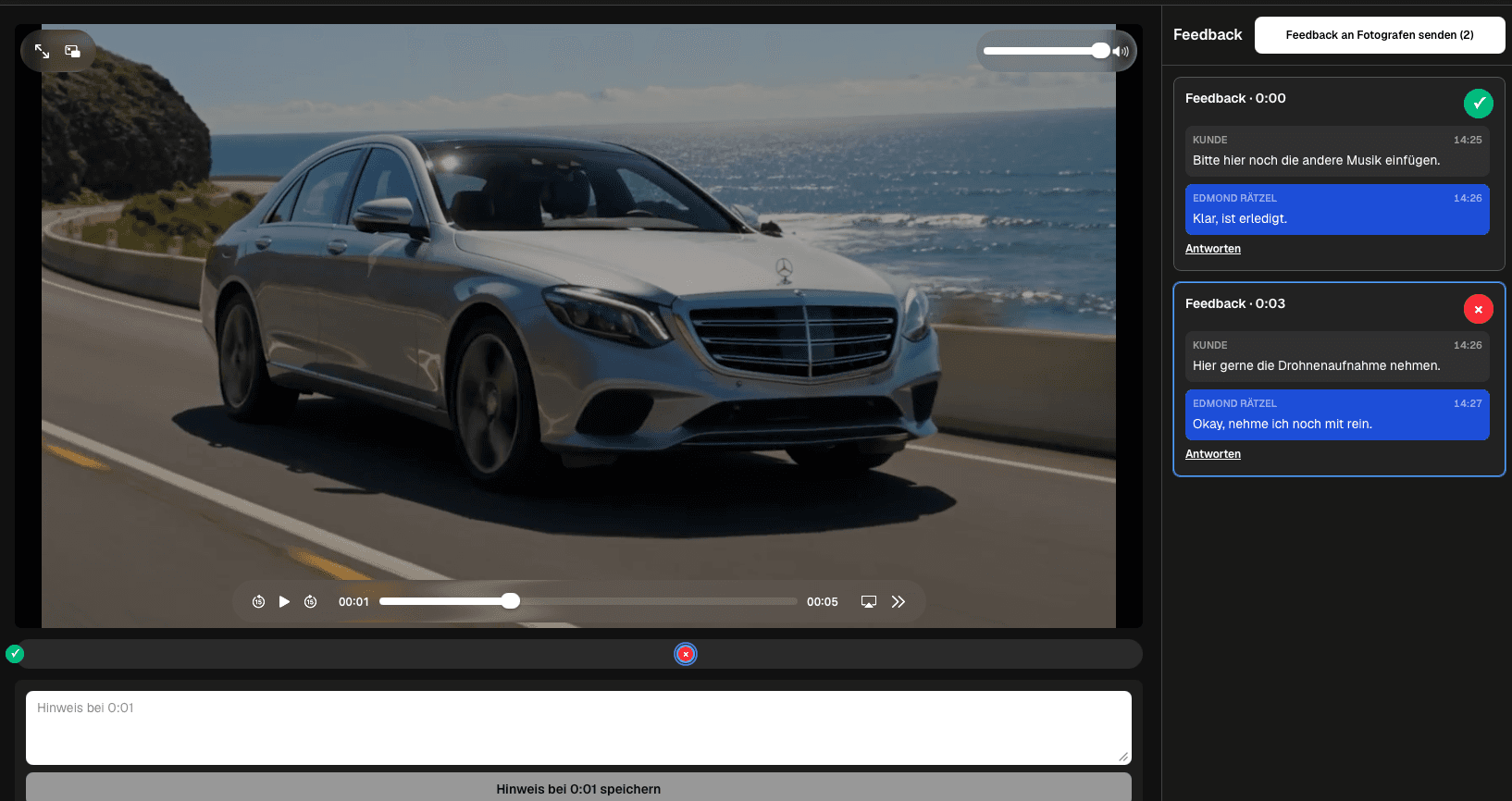
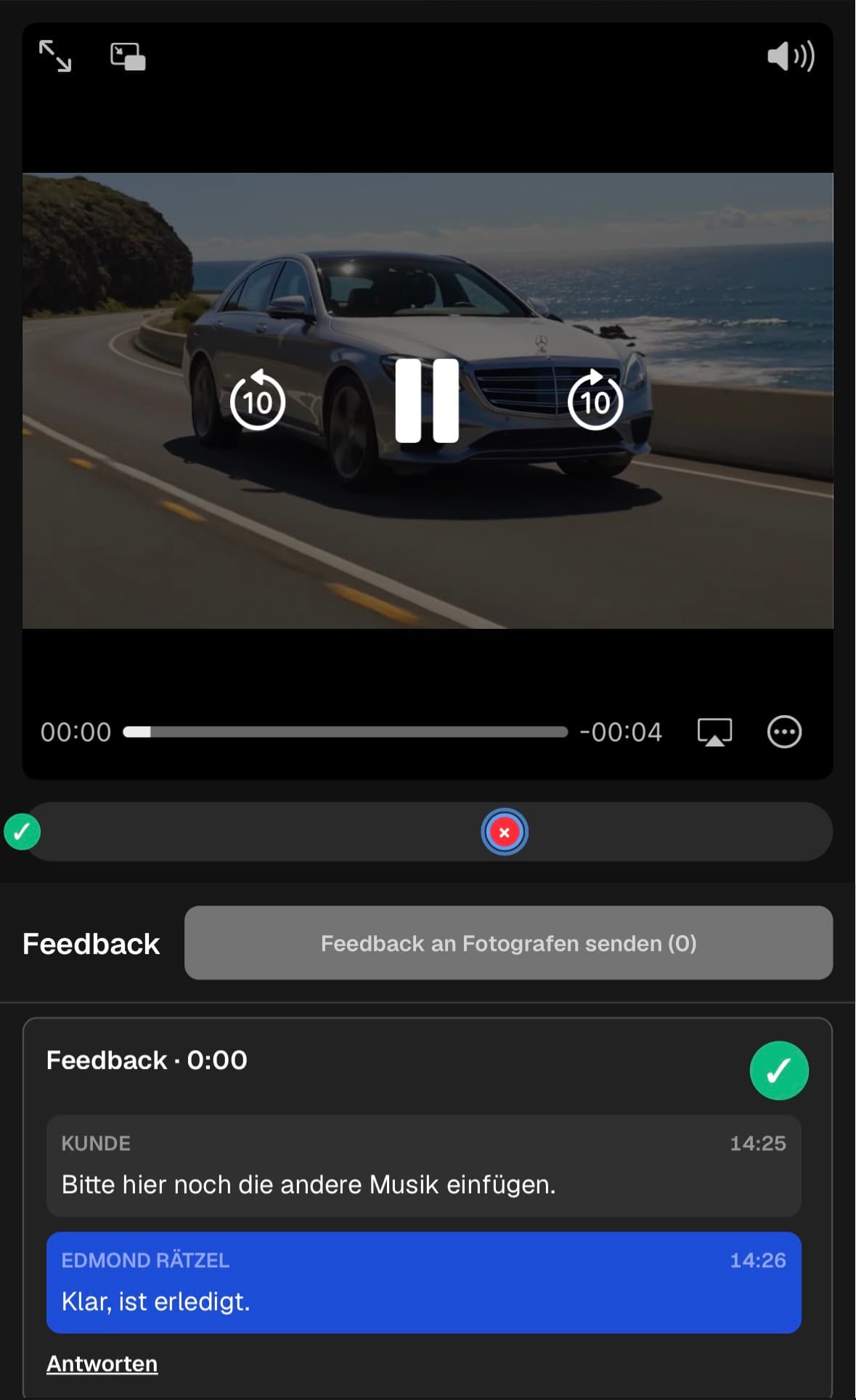
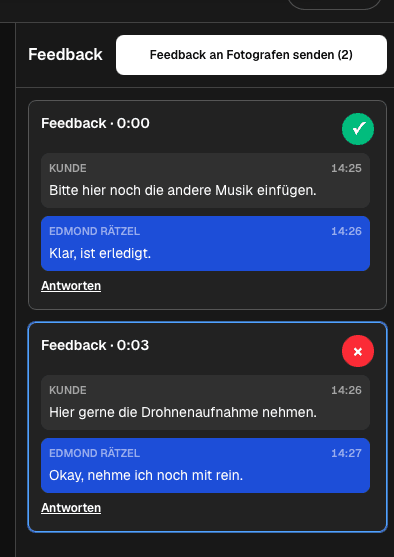
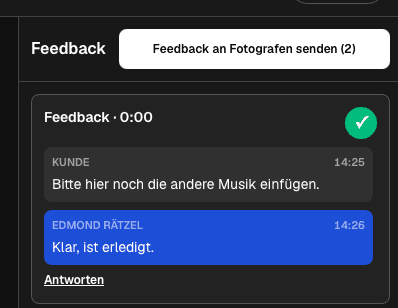
Review audience effect on mobileReview audience effect on mobile is shown with the existing GalleryDock product view from the German source guide.Track unresolved analysis pointsTrack unresolved analysis points is shown with the existing GalleryDock product view from the German source guide.Clarify the intended effectClarify the intended effect is shown with the existing GalleryDock product view from the German source guide.
Comparison
Choose the right approach for client video analysis
The strongest option is the one that matches the actual client decision, not the one with the longest feature list.
Approach
Best for
Tradeoff
Contextual GalleryDock workflow
qualitative analysis in which each observation names the scene, expected audience response, evidence, and desired outcome
Requires deliberate setup and a tested public view
Email thread
A short administrative note
Media context and decision history separate quickly
Generic file link
Simple file transfer
Does not organize the complete client decision
Live meeting
Complex discussion with immediate questions
Needs scheduling and a written follow-up
Specialized external system
A requirement outside the described workflow
Adds another account, handoff, and source of truth
Explainer clarity
A client identifies where the viewer may lose the product logic and links the observation to the first confusing scene.
Documentary tone
A filmmaker and commissioner discuss whether one transition changes the intended emotional reading of the sequence.
Campaign CTA
Stakeholders inspect whether the final request is understandable and supported by the preceding proof.
Frequently asked questions
Questions about this workflow
What is client video analysis?
It is a structured qualitative review of what the video communicates and how specific scenes support the intended audience response.
How is analysis different from a revision list?
Analysis explains the communication problem and evidence before prescribing the production change.
Can GalleryDock measure audience behavior?
No. This workflow organizes human client analysis and does not claim analytics, testing panels, or AI scoring.
Should every observation become an edit?
No. The filmmaker and client should weigh the objective, evidence, tradeoffs, and agreed scope first.
Can analysis and approval happen in the same area?
They can share context, but exploratory analysis and the final approval decision should remain clearly labeled.
Ideal for photographers who regularly deliver client galleries.
Unlimited galleries
200 GB storage
Photos & videos
Image upload: 100 MB
Video upload: 15 GB
Your own shop for digital sales
Sell print products in your shop
Only 10% shop fee per sale
Your own profile in client galleries
Password-protect client galleries
Use your own logo as a watermark
Let clients select images and mark favorites
Control photo and video downloads
Embed galleries on your own website
Hide GalleryDock branding
Use your own logo in galleries
For regular client delivery
Pro
Monthly
29 EUR
EUR 348 billed yearly. plus VAT
For photographers managing many projects, videos and growing storage.
Unlimited galleries
1 TB storage
Photos & videos
Image upload: 100 MB
Video upload: 30 GB
Your own shop for digital sales
Sell print products in your shop
Only 5% shop fee per sale
Your own profile in client galleries
Password-protect client galleries
Use your own logo as a watermark
Let clients select images and mark favorites
Control photo and video downloads
Embed galleries on your own website
Hide GalleryDock branding
Use your own logo in galleries
For regular client delivery
Build a clearer client video analysis workflow
Create one real project, configure the relevant access and actions, and test the recipient experience from start to finish. qualitative analysis in which each observation names the scene, expected audience response, evidence, and desired outcome GalleryDock supports the path without replacing your creative, commercial, technical, or legal judgment.