01
Confirm payment status
Identify what has already been paid outside or inside the gallery.
Client gallery store decision
Choose a client gallery with or without a store by checking payment status, included deliverables, extra image sales, and optional print offers.
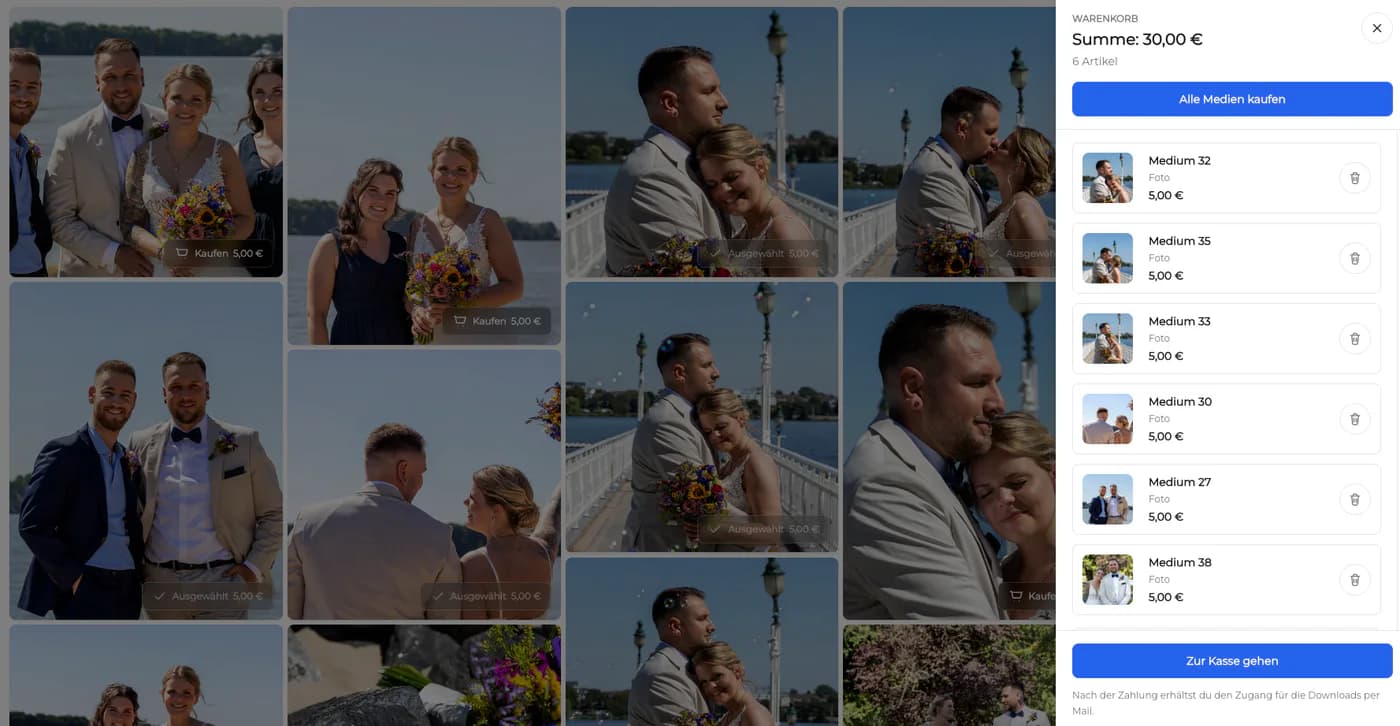
Quick answer
Choose a client gallery with or without a store by checking payment status, included deliverables, extra image sales, and optional print offers. GalleryDock follows the gallery and store settings you choose; it does not infer contracts, payment status, included deliverables, or the right price for an assignment.
Workflow
Keep each handoff explicit so the client and creative team know what happens next.
01
Identify what has already been paid outside or inside the gallery.
02
Write down the exact files, quantities, or products included in the assignment.
03
Choose whether extra images or prints should be offered.
04
Open the client view and verify that delivery and purchase actions match the agreement.
Project-specific review
Review the decisions that belong to this project instead of collecting vague approval messages.
Deliver the agreed files without adding an unnecessary purchase step.
Identify the included amount and price only the optional choices.
Configure the store path to match what the client still needs to buy.
Deliver the included digital work while presenting prints as a separate choice.
Quality control
A successful handoff needs a tested client path and an honest boundary around what the software does.
Open the client view on desktop and mobile. Check access, readable labels, media playback or product choices, and the next action without horizontal overflow.
Use names and instructions the client understands. Keep internal production language out of the final handoff unless it helps them make a decision.
GalleryDock follows the gallery and store settings you choose; it does not infer contracts, payment status, included deliverables, or the right price for an assignment.
Resolve every open point, verify the intended final file or order state, and only then publish or deliver the next version.
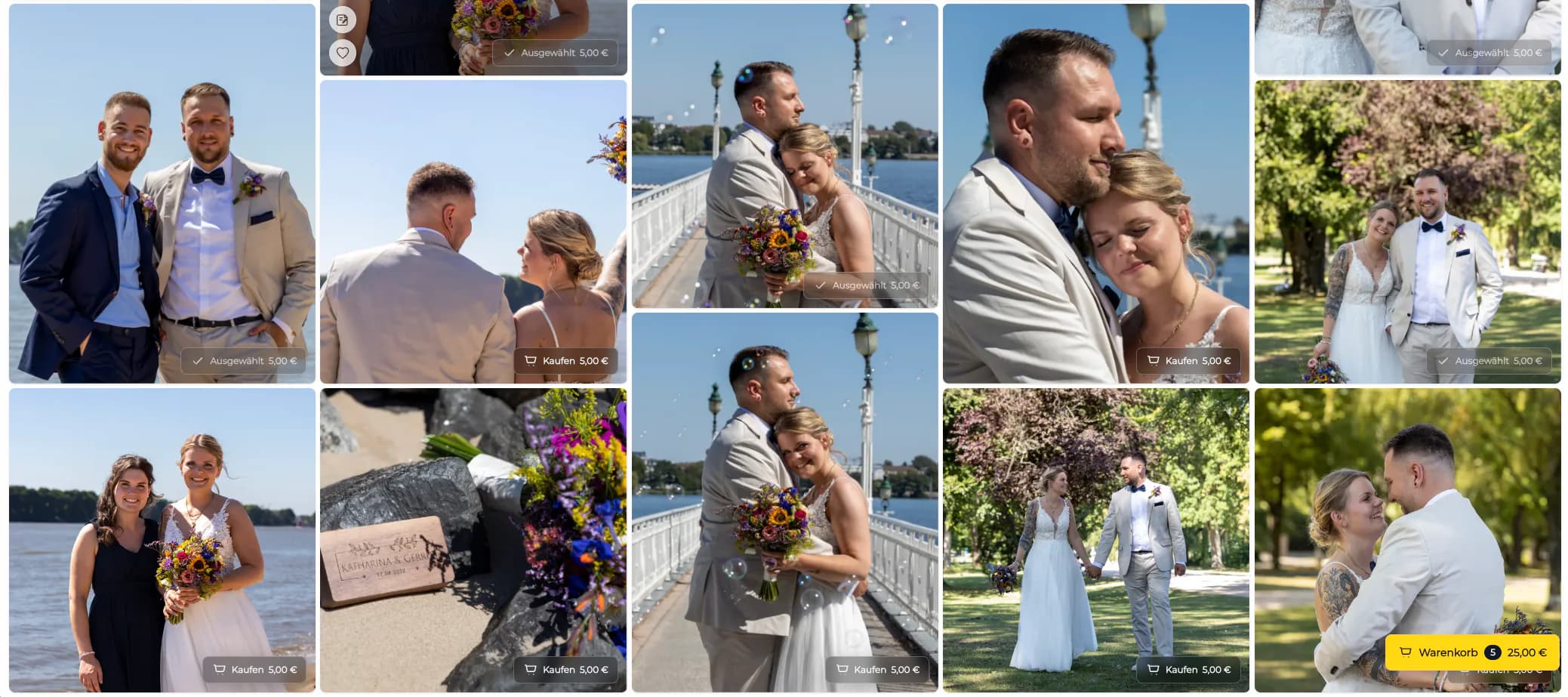

Comparison
Use this comparison to keep client gallery store decision precise and product-truthful.
| Approach | Best for | Tradeoff |
|---|---|---|
| Gallery without a store | Everything is already paid and included | No optional purchase path |
| Included files plus extras | A package includes some images | Included and paid choices must stay clear |
| Gallery with a store | Files or products still need to be purchased | Requires a tested offer and checkout |
| Digital delivery plus optional prints | Files are included but wall products are optional | Keep delivery and add-on choices distinct |
A commissioned gallery delivers the already paid set without a store.
The package includes a defined number and the client may buy more.
Downloads are included while wall art remains an optional purchase.
Frequently asked questions
No. If all agreed files are already paid and no add-ons are offered, a clear delivery gallery may be the better path.
Yes, when the included amount and the additional purchase choices are configured and explained clearly.
Use the sales path that matches the actual agreement and verify it before sharing; GalleryDock does not determine the contract for you.
Yes. Keep included digital delivery distinct from the optional physical print offer.
No. The photographer must configure the gallery to match the real agreement and payment state.
Open the exact client view, confirm downloads and included items, inspect every paid option, and stop the checkout test before purchase.
Related resources
Pricing
Free forever
0 EUR
EUR 0 per month
Perfect for sharing your first galleries professionally.
Start free, no credit card required
Monthly
19 EUR
EUR 228 billed yearly. plus VAT
Ideal for photographers who regularly deliver client galleries.
For regular client delivery
Monthly
29 EUR
EUR 348 billed yearly. plus VAT
For photographers managing many projects, videos and growing storage.
For regular client delivery
Use one real client project to test the complete client gallery store decision path before you make it your default.
Create a free account