Compare only products the photographer can support

Photo Print Material Comparison for Clients

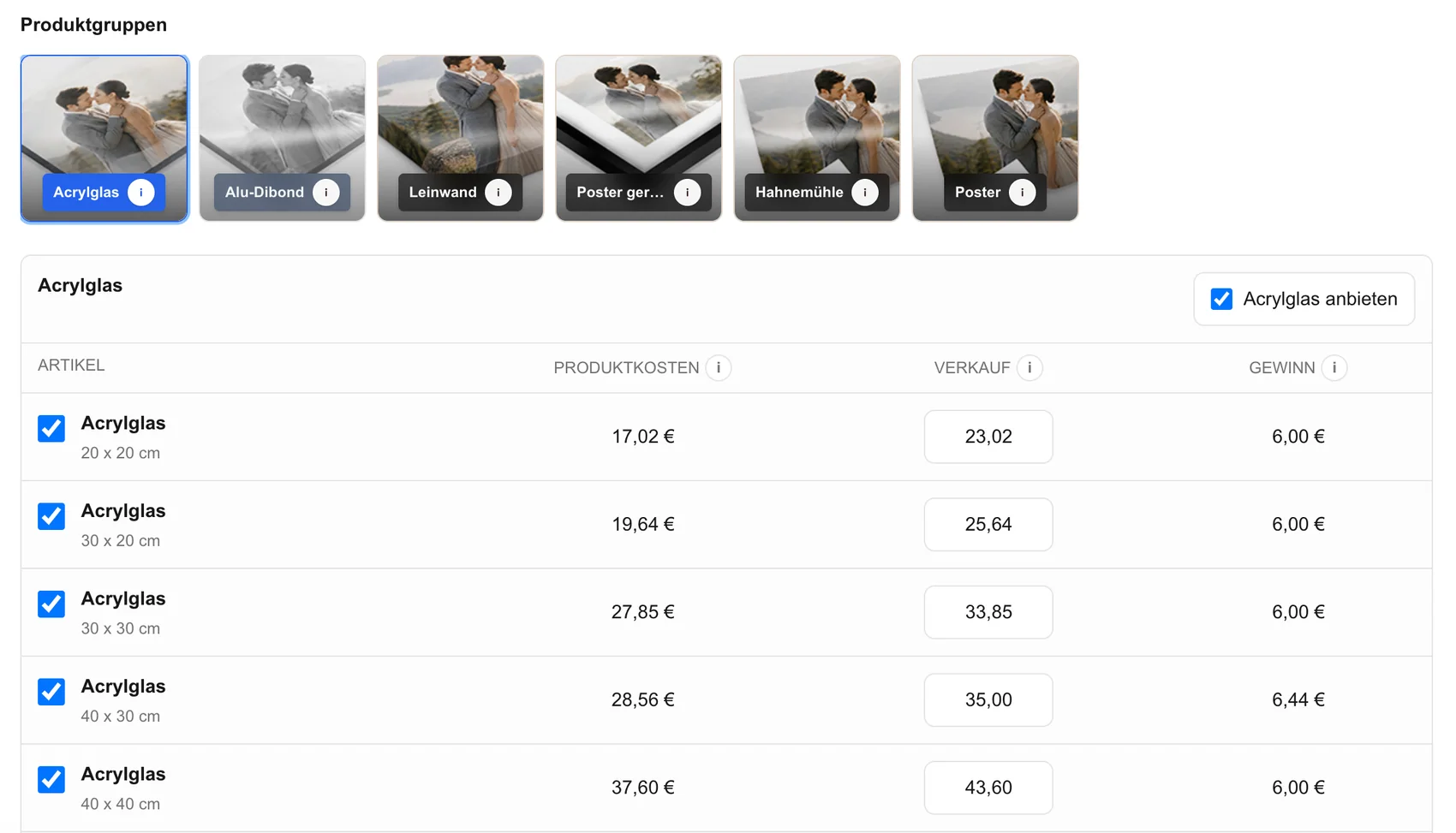
Help photography clients compare canvas, acrylic, metal, poster, and other enabled print choices using the same image, dimensions, crop context, room view, and final price.

  • Use the same photograph for every material comparison
  • Read dimensions, crop, price, and room context separately
  • Offer only products the studio can describe and produce
Photo print material comparison inside a client gallery

Quick answer

A useful photo print material comparison keeps the photograph constant and compares only enabled products through visible dimensions, crop behavior, presentation context, customer price, and the studio’s real production responsibilities. GalleryDock does not guarantee color, texture, durability, laboratory output, mounting, scale accuracy, shipping, or universal material quality.

Decision frame

Define the job before comparing software

A dependable decision starts with the client responsibility, business owner, evidence, and fallback—not with the longest feature list.

01

Write the operational question

State the decision as a workflow question: Which enabled print material fits this photograph, placement, budget, crop tolerance, and support requirement? This keeps branded search intent connected to a real assignment instead of turning the page into an unsupported market ranking.

02

Separate product centers

The photographer owns the catalog, descriptions, prices, suitability guidance, production route, quality checks, and client support. Write down what belongs to the gallery, what stays in another system, and what still requires a human decision. A familiar interface does not transfer responsibility.

03

Collect current evidence

the configured GalleryDock catalog, current production documentation, physical samples when available, room measurements, and a representative order. Date each volatile fact and distinguish official documentation, observed behavior, internal policy, and assumption. Never convert a marketing phrase into a guaranteed client outcome.

04

Set a reversible pilot

Use a representative gallery, realistic files, the expected device mix, and a genuine client action. Keep originals, prior links, order records, and the established fallback intact until the test is complete.

Client journey

Test every handoff from invitation to closeout

A client-facing workflow succeeds only when a first-time visitor understands the next action and the studio can recover from exceptions.

01

Prepare client-ready material

Upload only files appropriate for viewing, selection, feedback, delivery, or sale. Confirm names, orientation, crop tolerance, resolution, package status, and whether digital or physical products are eligible.

02

Observe access and navigation

Open the same invitation as a client on desktop and mobile. Check protection steps, loading, image context, instructions, controls, selection state, optional products, cart continuity, downloads, and content overflow.

03

Follow the intended decision

Ask the client to complete the actual job: select favorites, leave contextual feedback, approve finals, choose an eligible product, review crop context, or download the agreed files. Administrator previews are not client evidence.

04

Record questions and recovery

Capture pauses, abandoned steps, repeated explanations, incorrect choices, device-specific friction, payment or handoff uncertainty, and the fallback used. These observations reveal more than a general statement that the gallery looks professional.

Client comparison worksheet

Hold the image constant and change one decision at a time

A dependable material conversation records the photograph, intended location, actual wall measurement, enabled material, dimensions, crop, display method, customer price, production owner, and unresolved question.

01

Start with the photograph

Confirm orientation, important edges, crop tolerance, resolution, editing state, and whether the image is eligible.

02

Compare visible facts

Read product name, dimensions, final price, crop guidance, and room context without converting previews into guarantees.

03

Verify physical unknowns

Use samples or current production documentation for texture, finish, mounting, weight, care, and color-critical expectations.

04

Record the chosen configuration

Save image, product, size, quantity, price, crop decision, production route, and support owner.

Commercial boundaries

Keep the offer, transaction, and production chain explicit

Software can present configured options, but the photographer remains responsible for the package, eligible images, prices, production route, communication, and exceptions.

01

Name what is included

Explain which digital files, review rounds, downloads, products, or credits belong to the package and which choices are optional. Do not let interface availability silently redefine the signed offer.

02

Verify the configured product

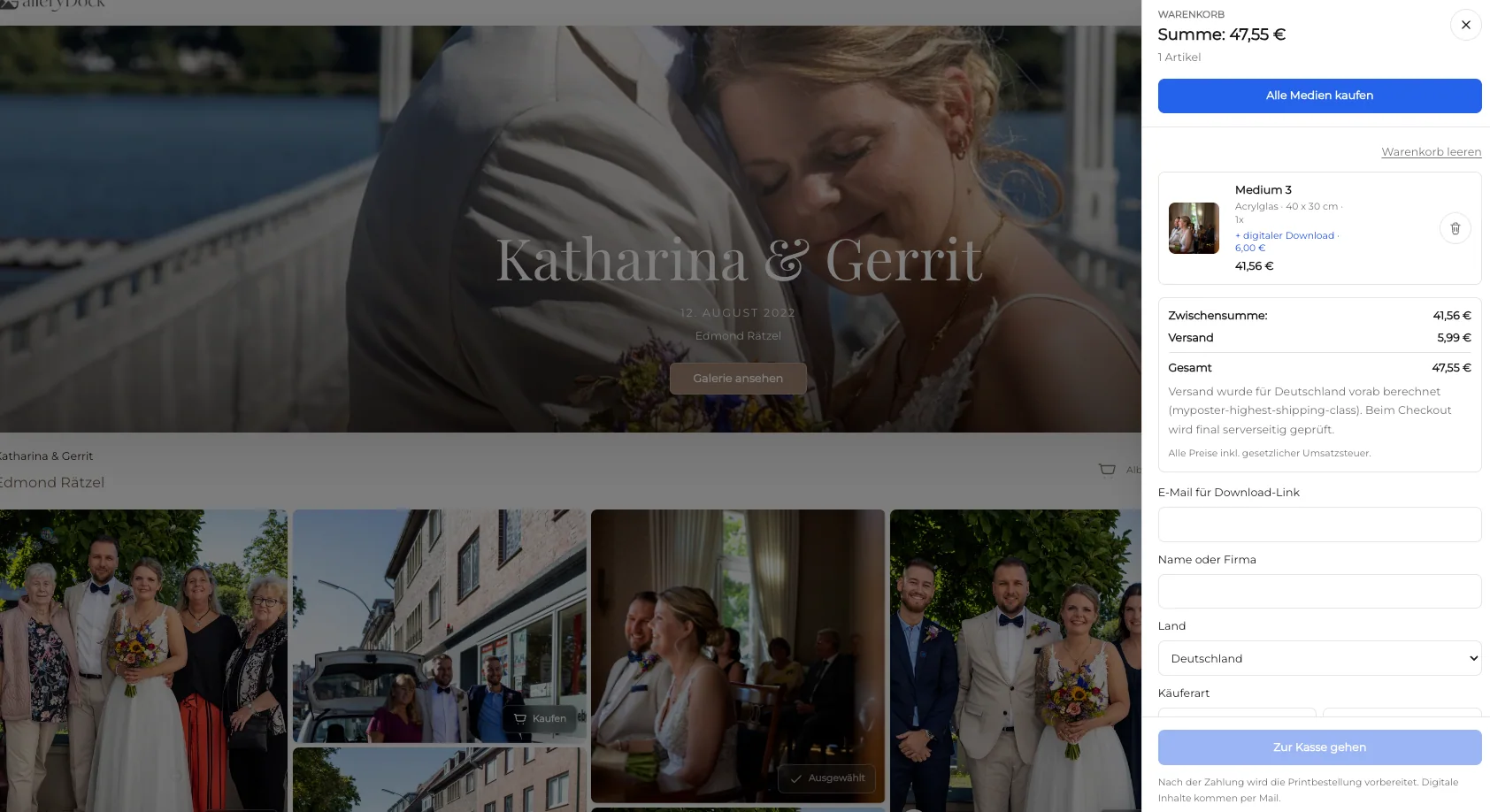
Check product name, dimensions, orientation, customer price, crop and safe-zone context, quantity, cart summary, checkout handoff, order details, and production ownership. A successful click alone does not prove a correct order.

03

Keep dynamic claims current

GalleryDock does not guarantee color, texture, durability, laboratory output, mounting, scale accuracy, shipping, or universal material quality. Do not publish volatile competitor prices, commissions, limits, provider rankings, or feature parity. Recheck material terms directly before purchase, migration, or a client promise.

04

Plan support and fulfillment

Identify who answers client questions, who verifies the order, who produces and ships any physical item, how damage or an incorrect choice is handled, and where the authoritative record remains. GalleryDock does not make those business decisions automatically.

Adoption and review

Turn a successful pilot into a maintainable studio standard

The final workflow should be understandable to another photographer or developer, measurable after real assignments, and reversible when requirements change.

01

Measure the agreed outcome

Use fewer material questions, correct dimensions and crop, an understood final price, realistic expectations, a traceable order, and fewer preventable remakes. Compare the result with the existing process and include hidden administration, support, correction, and follow-up work.

02

Write the decision record

Record the owner, tested assignment, source dates, verified capability, exclusions, client result, support issues, fallback, chosen path, and next review date. Another team member should understand the choice without reconstructing the research.

03

Adopt in controlled stages

Expand by assignment type only after the pilot completes without hidden manual work, missing records, incorrect client expectations, or an unsupported product claim. Preserve source archives and contractual records independently.

04

Review after completed work

Retest when the studio changes packages, product catalogs, prices, providers, fulfillment, team ownership, file types, client roles, or supported devices. A workflow that succeeded once is not permanently validated.

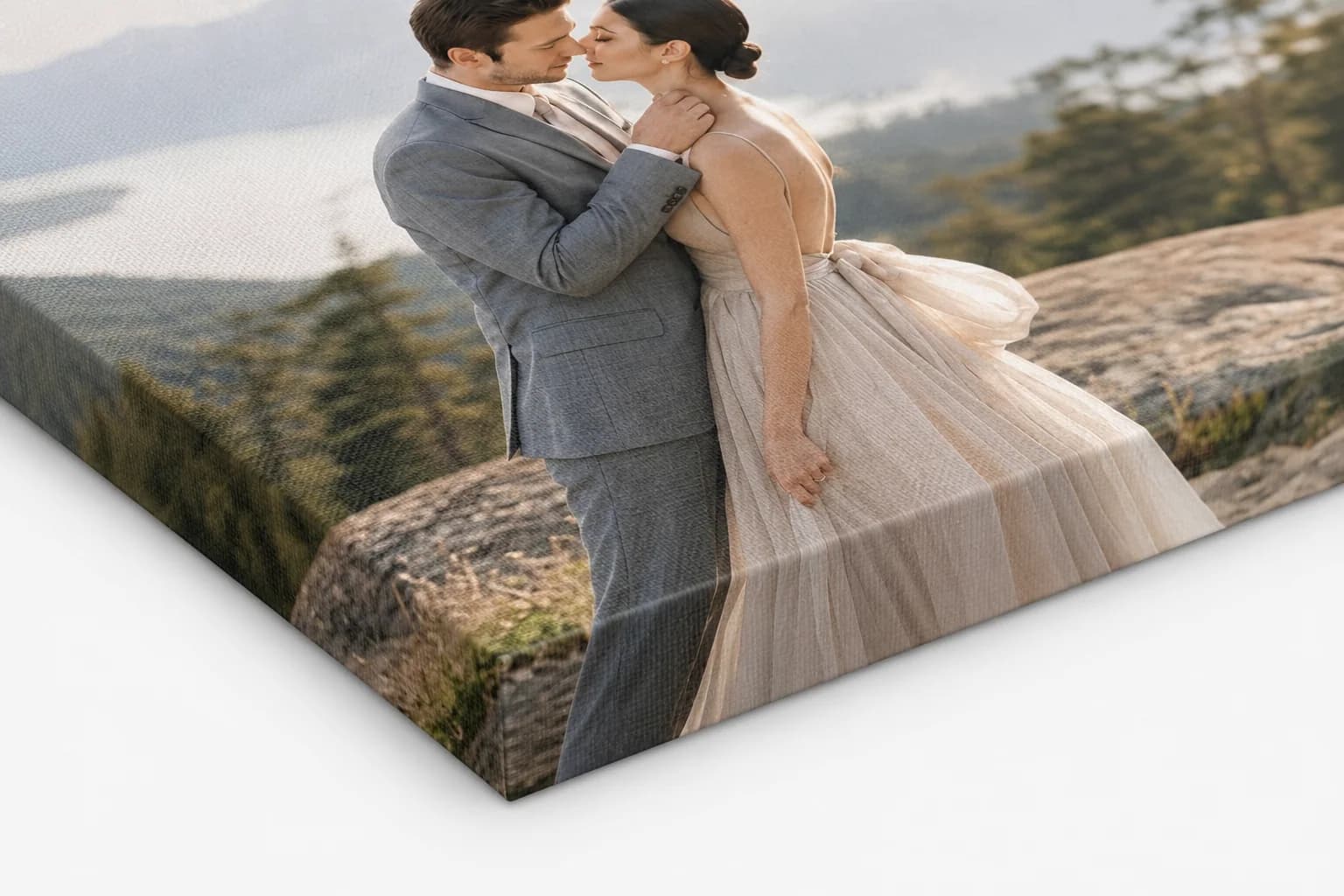
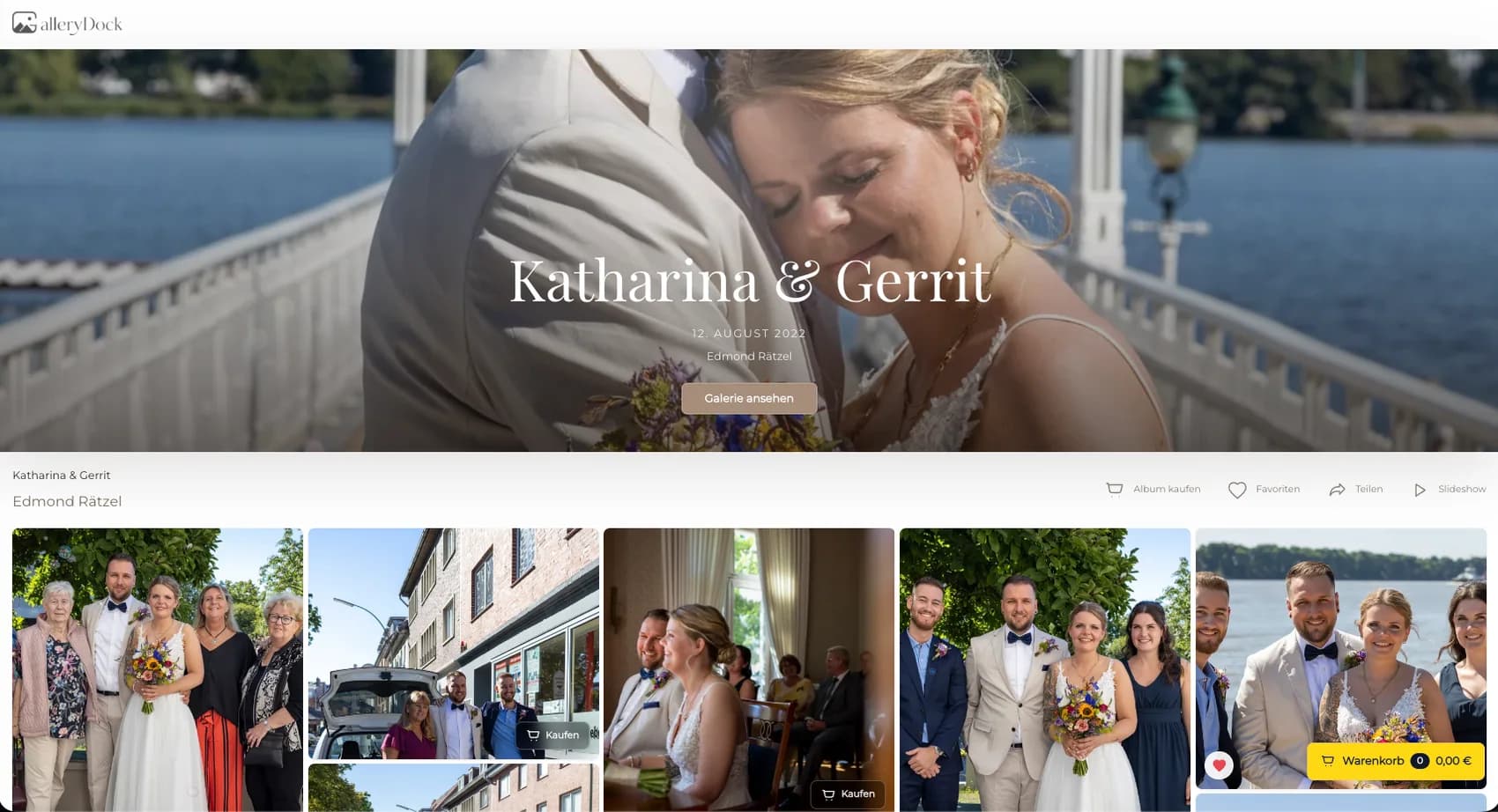
Same client photograph used across material choices
Same client photograph used across material choicesKeeping the image constant makes differences easier to discuss.
Canvas print option for client comparison
Canvas print option for client comparisonTexture and edge treatment require current production evidence.
Metal print option for client comparison
Metal print option for client comparisonSurface and mounting details are verified separately.
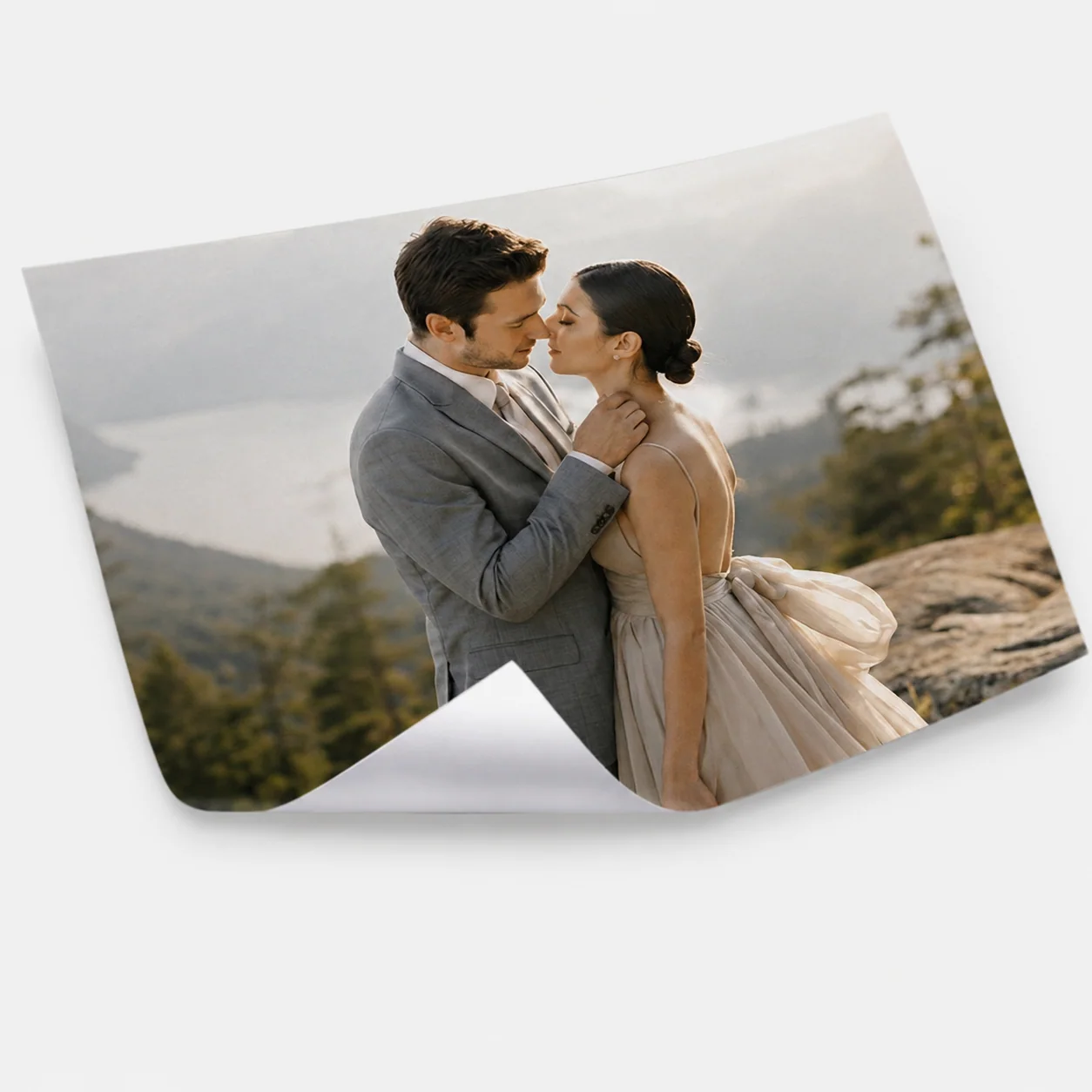
Photo print and poster option
Photo print and poster optionPaper, finish, framing, and display conditions remain explicit.
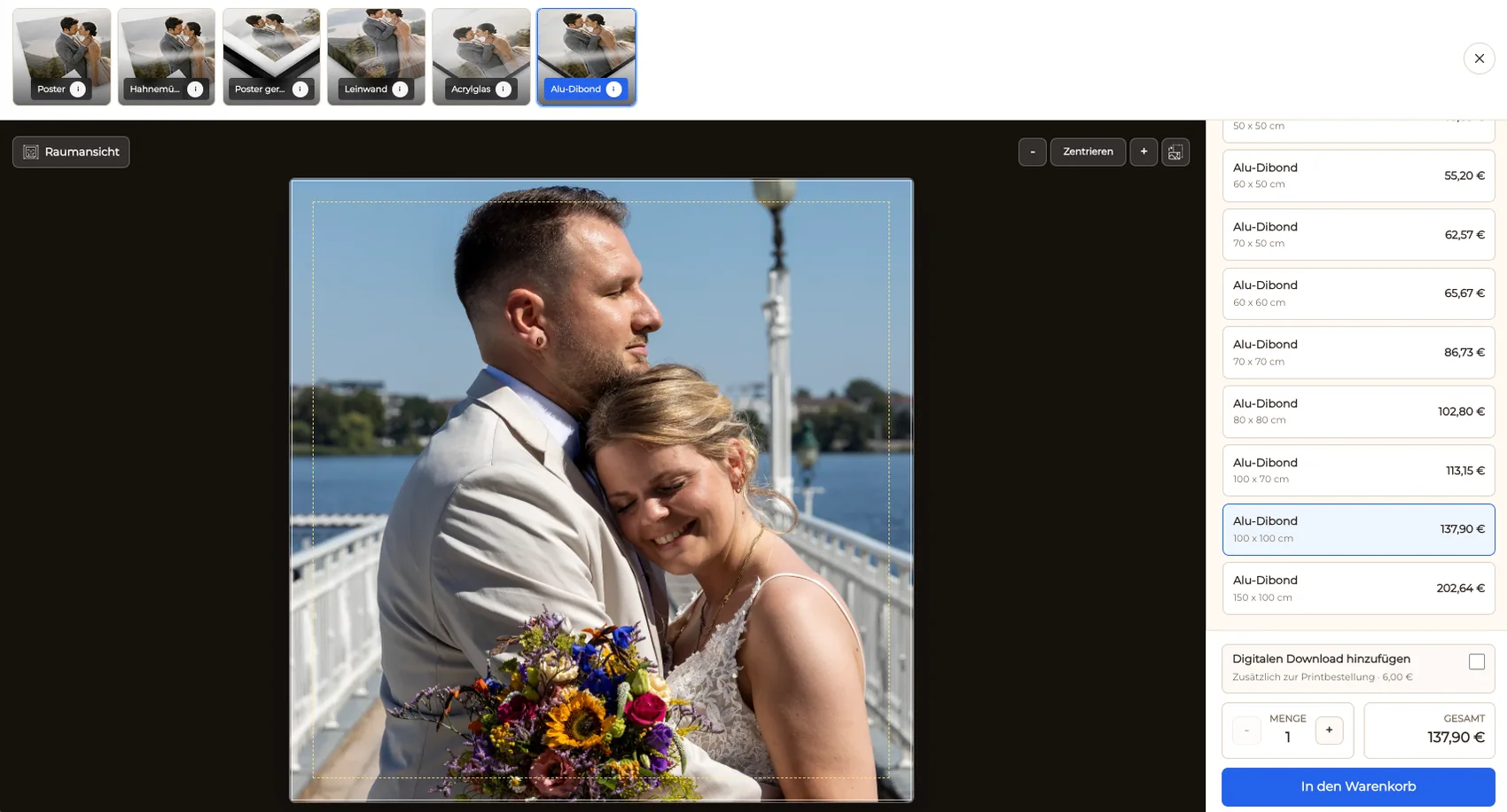
Crop and safe-zone comparison for print materials
Crop and safe-zone comparison for print materialsImportant image content must survive the selected format.
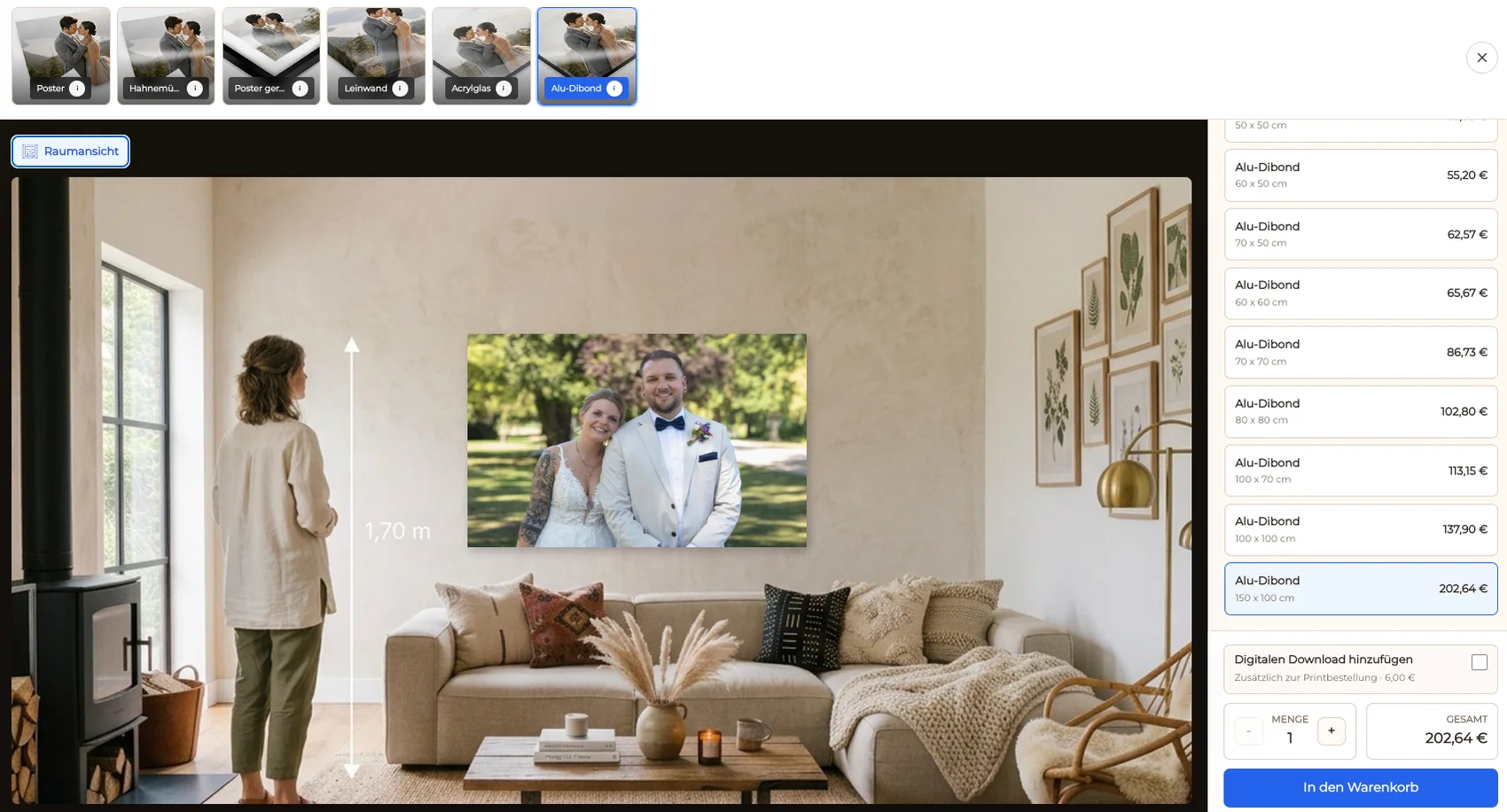
Room preview used as print decision context
Room preview used as print decision contextThe preview supports scale discussion but is not a measurement guarantee.
Configured material in the cart and checkout handoff
Configured material in the cart and checkout handoffThe final record preserves image, product, size, and price.

Comparison

Compare materials through the client decision, not a universal ranking

Use this comparison as a documented shortlist, then verify changing provider facts on current official pages and test one representative assignment before replacing a working process.

WorkflowBest fitBoundary to verify
CanvasClients seeking a softer, dimensional wall presentation when the studio supports itTexture, wrap, crop, edge treatment, and color expectations need current production evidence
AcrylicClients considering a glossy or high-impact presentation when availableReflections, mounting, weight, handling, and exact finish must be verified
Metal or aluminum compositeClients wanting a rigid contemporary presentation where supportedSurface, mounting, color response, and production specifications vary
Poster or photographic printClients prioritizing a familiar paper-based format and flexible framingPaper, finish, frame, glazing, margins, and display conditions remain separate decisions
Manual sample consultationColor-critical, oversized, unusual, or premium commissionsPhysical samples and direct advice are more reliable than an interface preview
No physical productAssignments where the client needs only licensed digital filesA print is not introduced simply to lengthen the offer

Family portrait above a sofa

The client compares enabled wall products using the same portrait and room context, then confirms the actual wall measurement before choosing a size.

Fine-art photograph with critical tones

The photographer uses current samples and production documentation because screen previews cannot guarantee surface, blacks, reflections, or final color.

Gift print with a fixed budget

The client separates material choice from size and framing, reviews the final configured price, and avoids comparing products with different dimensions as if they were equal.

Frequently asked questions

Questions about this workflow

Which enabled print material fits this photograph, placement, budget, crop tolerance, and support requirement?

A useful photo print material comparison keeps the photograph constant and compares only enabled products through visible dimensions, crop behavior, presentation context, customer price, and the studio’s real production responsibilities. GalleryDock does not guarantee color, texture, durability, laboratory output, mounting, scale accuracy, shipping, or universal material quality.

What should I test before changing the workflow?

Use the configured GalleryDock catalog, current production documentation, physical samples when available, room measurements, and a representative order. Test invitation, access, viewing, selection, feedback, the intended sale or delivery action, mobile behavior, support questions, and closeout. Keep the current route available until a representative client completes the new path.

Does GalleryDock replace storage, backup, accounting, or a CRM?

No. The photographer owns the catalog, descriptions, prices, suitability guidance, production route, quality checks, and client support. Source files, redundant backups, contracts, invoices, accounting, tax decisions, licensing records, and legal documentation remain in the systems responsible for them.

Can I promise the same features as the compared provider?

No. GalleryDock does not guarantee color, texture, durability, laboratory output, mounting, scale accuracy, shipping, or universal material quality. Provider capabilities, plans, fees, limits, automation, integrations, fulfillment, and policies can change. Verify material facts at decision time and describe only the capability actually tested.

How should I introduce the new client path?

Start with one reversible pilot that resembles paid work. Explain what clients can view, choose, comment on, download, or buy; identify what is included versus optional; name the support contact; and preserve the previous link and source records until the pilot closes.

How do I know the workflow is successful?

Measure fewer material questions, correct dimensions and crop, an understood final price, realistic expectations, a traceable order, and fewer preventable remakes. Review several completed assignments instead of relying on a demo, one enthusiastic client, or a feature checklist.
Related resources

Pricing

Start free and upgrade when you need more.

Free

Free forever

0 EUR

EUR 0 per month

Perfect for sharing your first galleries professionally.

  • 3 galleries
  • 1 GB storage
  • Photos & videos
  • Image upload: 50 MB
  • Video upload: 750 MB
  • Your own shop for digital sales
  • Sell print products in your shop
  • 15% shop fee per sale
  • Your own profile in client galleries
  • Password-protect client galleries
  • Use your own logo as a watermark
  • Let clients select images and mark favorites
  • Control photo and video downloads
  • Embed galleries on your own website
Free account

Start free, no credit card required

Base

Monthly

Most popular

19 EUR

EUR 228 billed yearly. plus VAT

Ideal for photographers who regularly deliver client galleries.

  • Unlimited galleries
  • 200 GB storage
  • Photos & videos
  • Image upload: 100 MB
  • Video upload: 15 GB
  • Your own shop for digital sales
  • Sell print products in your shop
  • Only 10% shop fee per sale
  • Your own profile in client galleries
  • Password-protect client galleries
  • Use your own logo as a watermark
  • Let clients select images and mark favorites
  • Control photo and video downloads
  • Embed galleries on your own website
  • Hide GalleryDock branding
  • Use your own logo in galleries

For regular client delivery

Pro

Monthly

29 EUR

EUR 348 billed yearly. plus VAT

For photographers managing many projects, videos and growing storage.

  • Unlimited galleries
  • 1 TB storage
  • Photos & videos
  • Image upload: 100 MB
  • Video upload: 30 GB
  • Your own shop for digital sales
  • Sell print products in your shop
  • Only 5% shop fee per sale
  • Your own profile in client galleries
  • Password-protect client galleries
  • Use your own logo as a watermark
  • Let clients select images and mark favorites
  • Control photo and video downloads
  • Embed galleries on your own website
  • Hide GalleryDock branding
  • Use your own logo in galleries

For regular client delivery

Build a client-ready material shortlist

Configure only supported products, use one representative photograph, verify dimensions and crop, and document every physical unknown before inviting a client to order.

Create a free account